Remote Team Photos: Unified Professional Branding
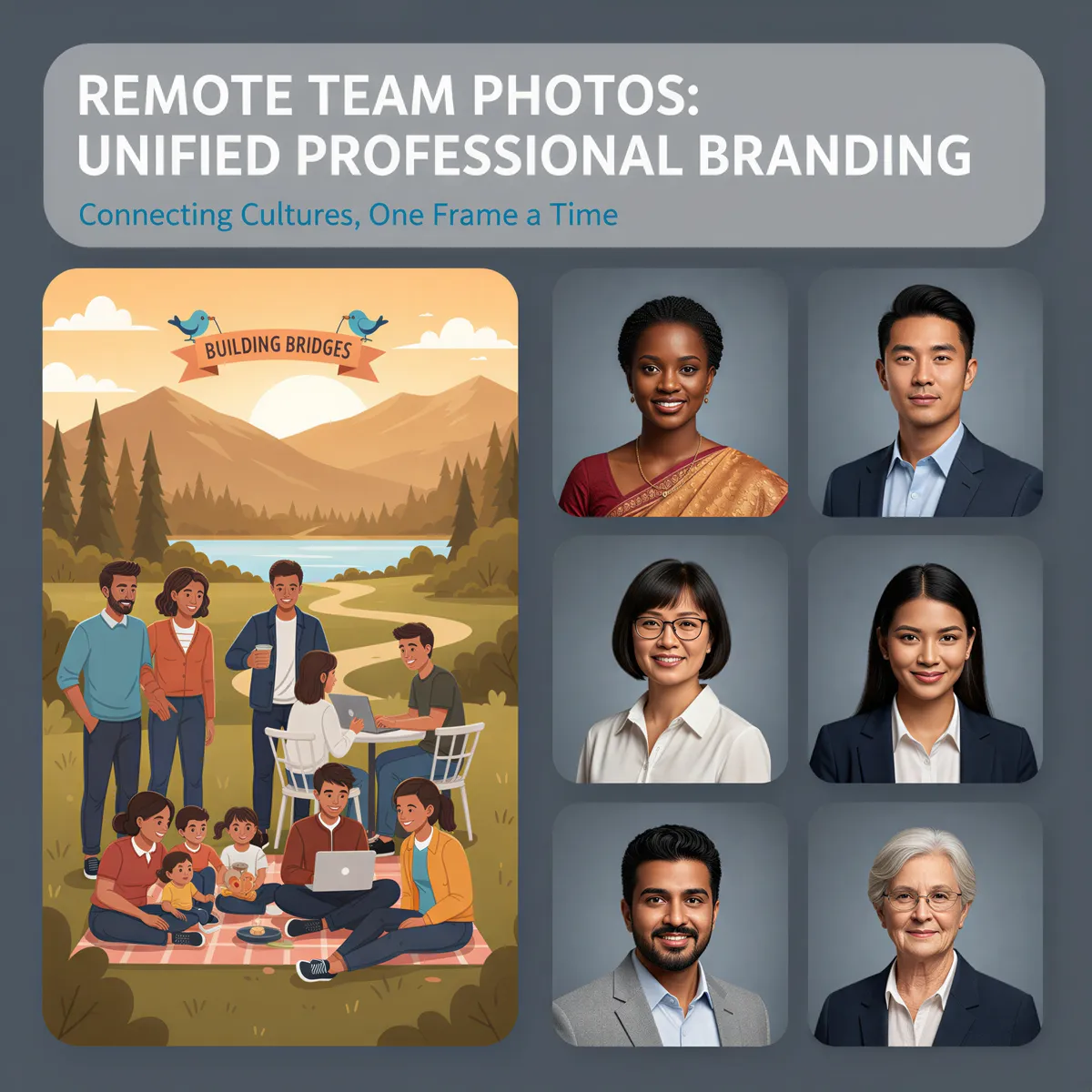
Your team page looks like a ransom note.
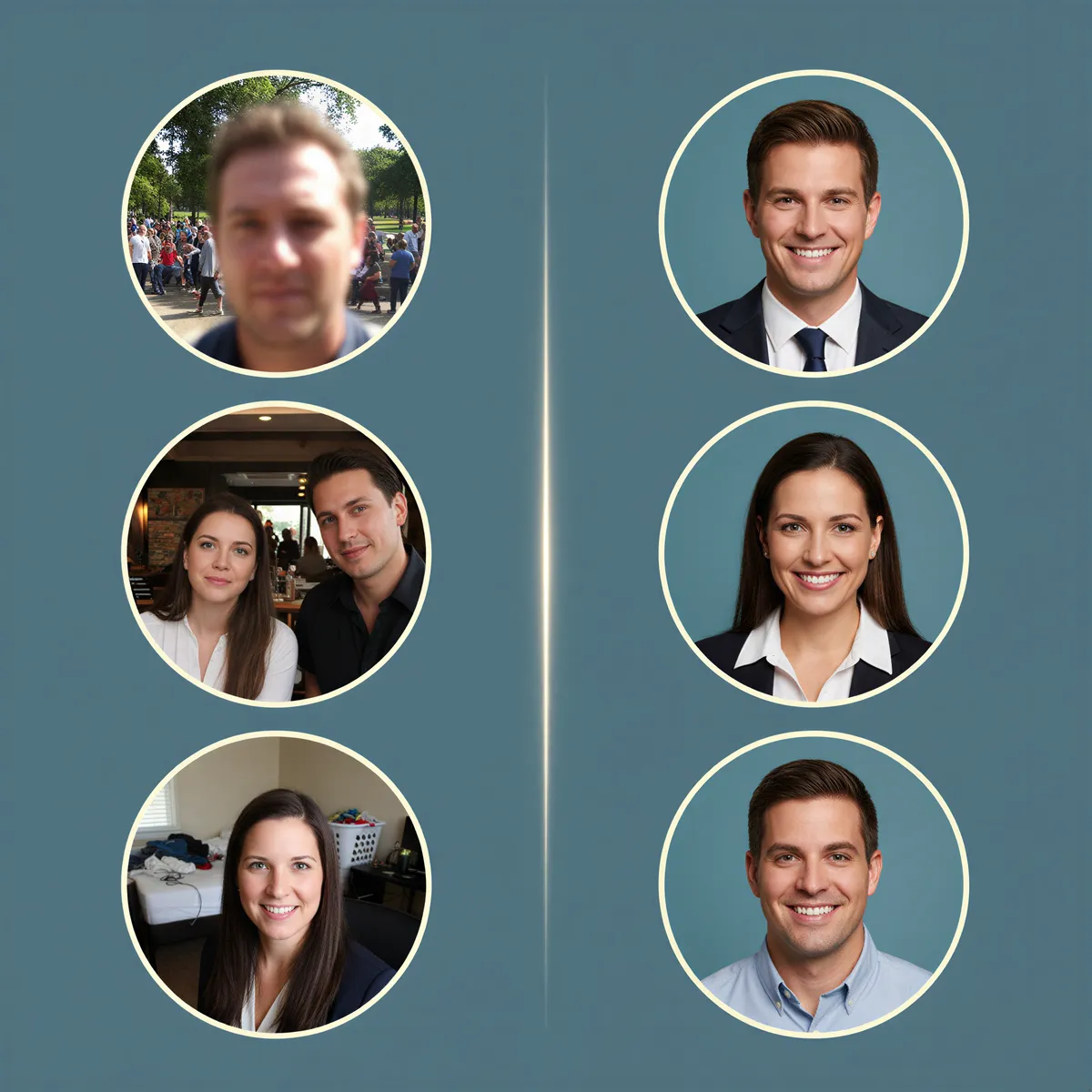
Ten people. Ten different photo qualities. Selfies next to professional shots. Home offices visible in some backgrounds. One person cropped from a group photo at a wedding.
This is the visual reality for most remote companies. And it sends a message — just not the one you want.
Table of Contents
- The Remote Team Photo Problem
- Why Visual Consistency Matters
- Traditional Solutions (And Why They Fail)
- The AI Team Photo Solution
- Implementation Guide
- Use Cases Beyond the About Page
- The ROI of Visual Unity
- Unify Your Remote Team's Image
The Remote Team Photo Problem
Distributed teams face a unique challenge: creating visual unity without physical proximity.
The typical approach:
- Ask everyone to "submit a professional headshot"
- Get wildly inconsistent results
- Live with a mismatched About page forever
The results:
- Different lighting, backgrounds, and quality
- Some people look polished, others look unprepared
- New hires have no guidance on what to submit
- The team page undermines your brand
Why Visual Consistency Matters
First Impressions
Your team page is often visited before sales calls, investor meetings, and job interviews. Inconsistent photos suggest:
- Lack of attention to detail
- Disorganized company culture
- Amateur operation
Brand Cohesion
Every touchpoint shapes perception. A polished team page reinforces that you're:
- Professional and established
- Detail-oriented
- Worth taking seriously
Team Pride
Employees share their headshots on LinkedIn, Twitter, and email signatures. Matching quality benefits everyone.
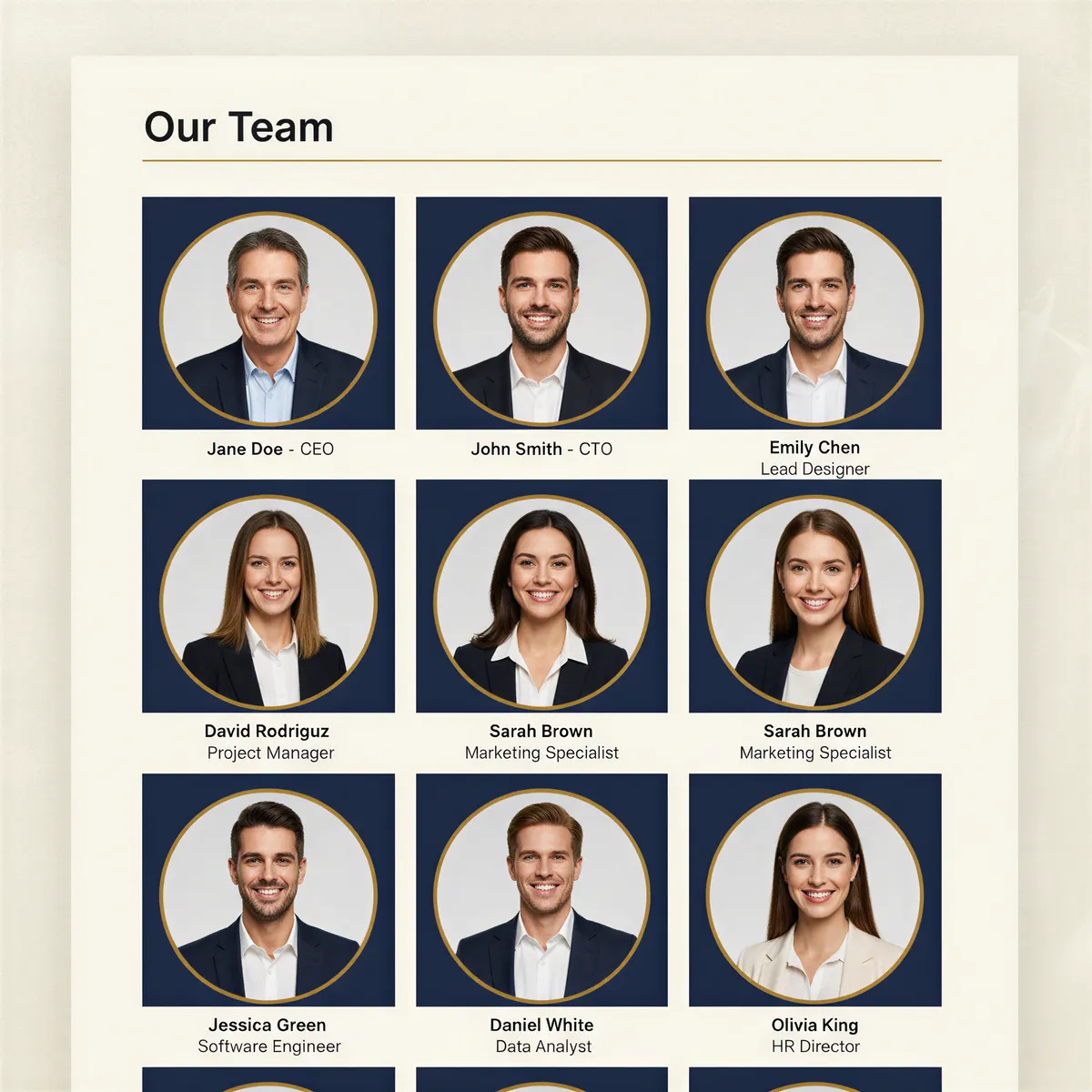
Traditional Solutions (And Why They Fail)
"Fly Everyone to HQ"
- Expensive (flights, hotels, photographer)
- Scheduling nightmare
- Not feasible for global teams
- Photos outdated by next quarter

"Send a Photographer to Each Location"
- Extremely expensive
- Consistency still varies by photographer
- Doesn't scale with growth
- New hires wait months for theirs
"Just Ask Everyone to Match"
- No enforcement mechanism
- Everyone interprets "professional" differently
- Quality depends on what they happen to have
- Results in the ransom-note look
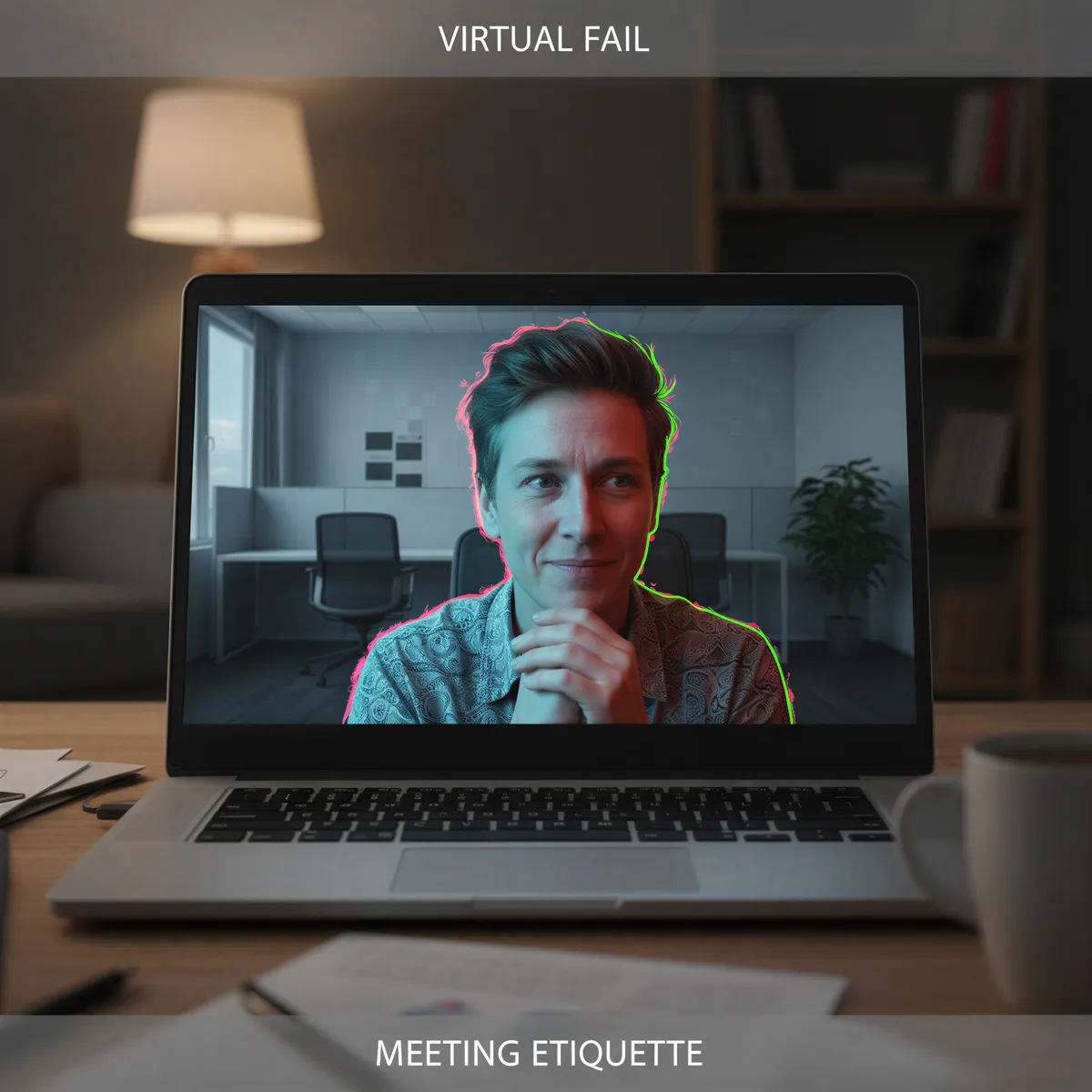
"Use the Same Virtual Background"
- Looks artificial and awkward
- Doesn't solve lighting/quality issues
- Obviously fake to viewers
- Undermines professionalism
The AI Team Photo Solution
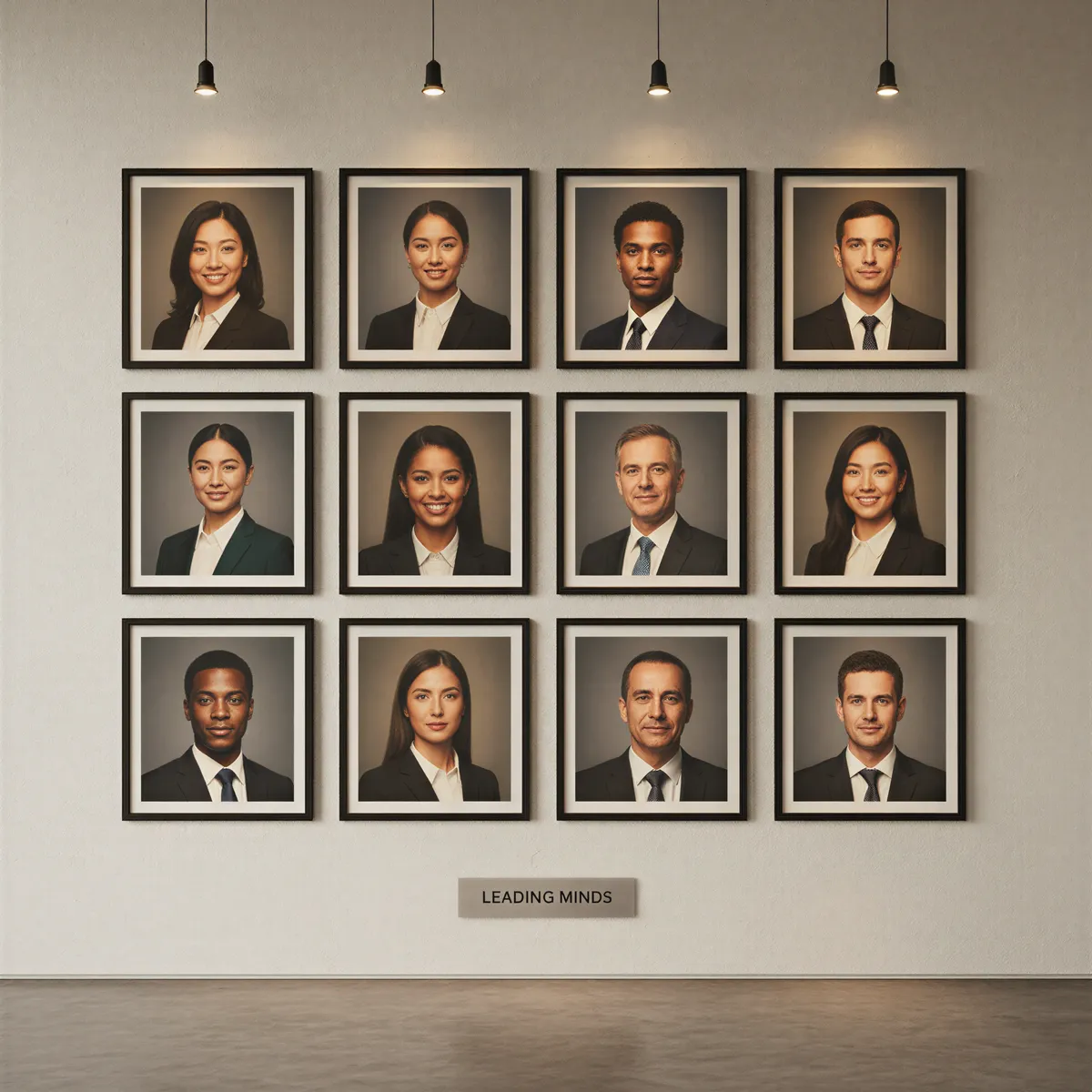
Create perfectly matched headshots for every team member, regardless of location:
How It Works
- Define your style — Choose background color, lighting style, attire guidelines
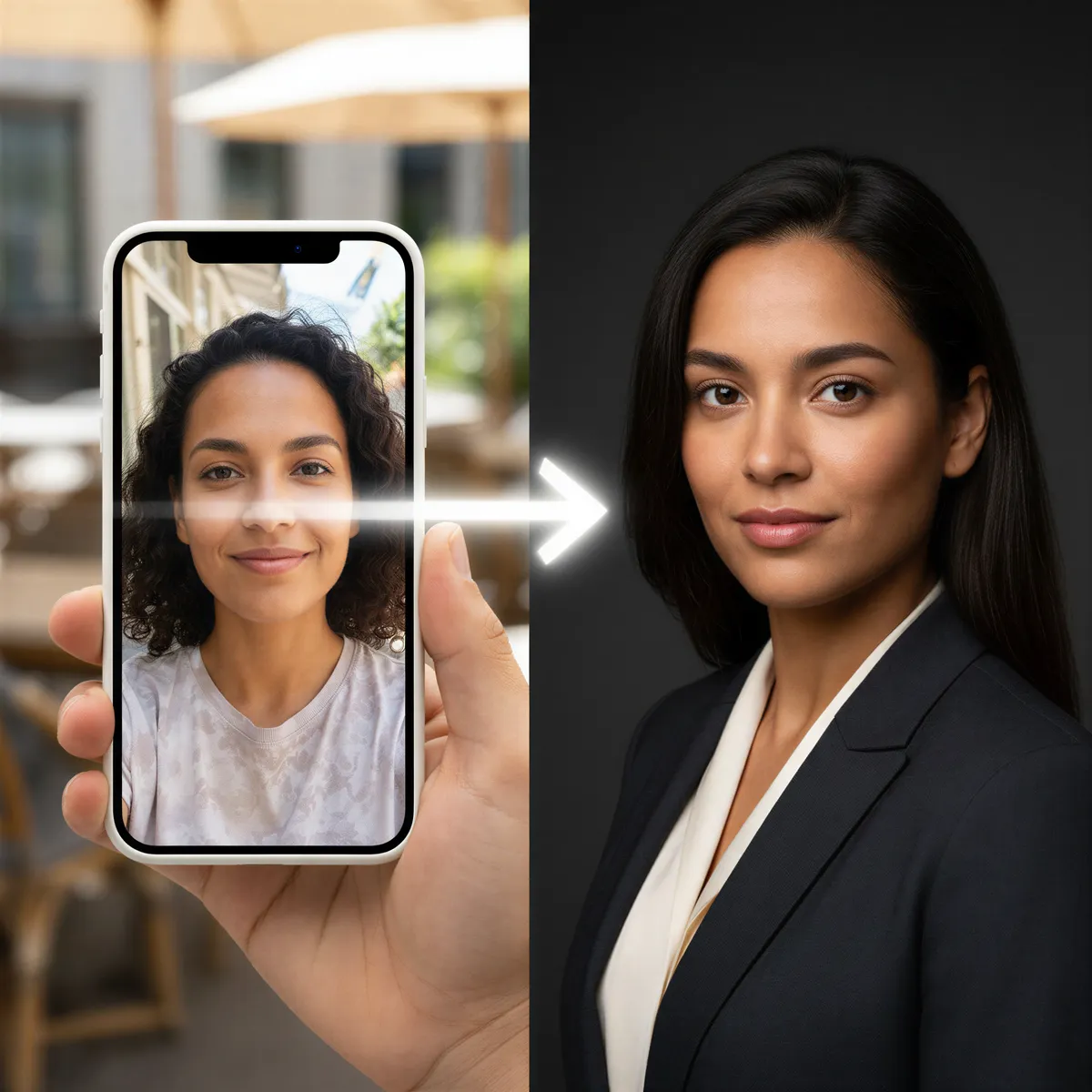
- Team members upload selfies — From anywhere, any device
- AI generates matched headshots — Same style, lighting, and quality for everyone
- Review and approve — Each person gets their professional result
The Benefits
| Challenge | AI Solution |
|---|---|
| Different locations | All processed with identical styling |
| Varying photo quality | AI normalizes to professional standard |
| Scheduling coordination | Everyone submits asynchronously |
| New hire onboarding | Same-day professional photos |
| Cost | Fraction of photographer sessions |
Implementation Guide
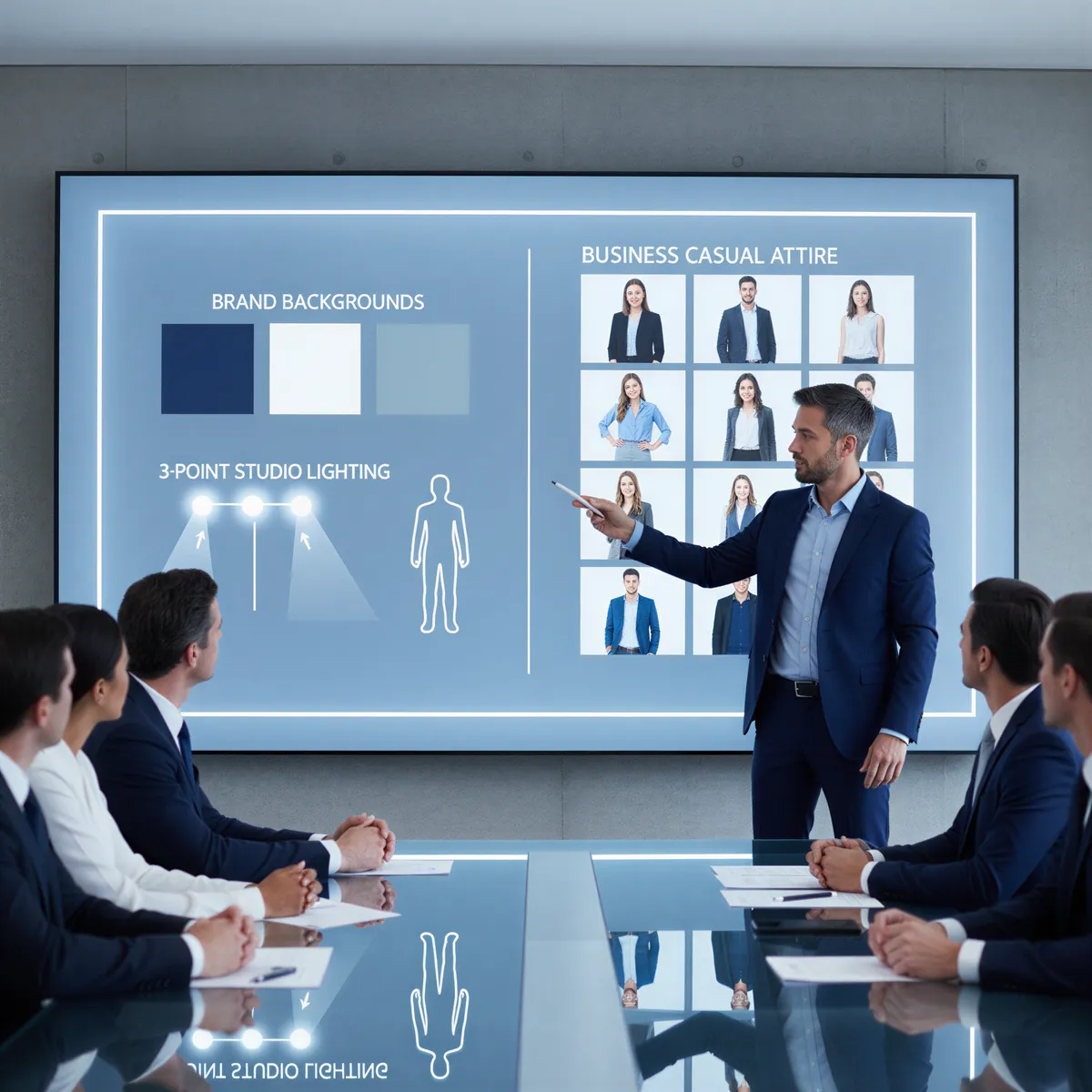
Step 1: Define Your Style
Decide on:
- Background — Solid color that matches brand (gray, navy, white)
- Lighting — Soft, professional studio style
- Attire guidance — Business casual, formal, or creative
- Cropping — Head-and-shoulders standard
Step 2: Create Team Guidelines
Share with your team:
- Upload 5-10 recent selfies
- Good lighting (natural light preferred)
- Clear view of face from multiple angles
- Neutral expressions work best
Step 3: Process All Photos
- Batch process entire team for consistency
- Generate 3-5 options per person
- Let individuals choose their favorite
- Maintain style across all results
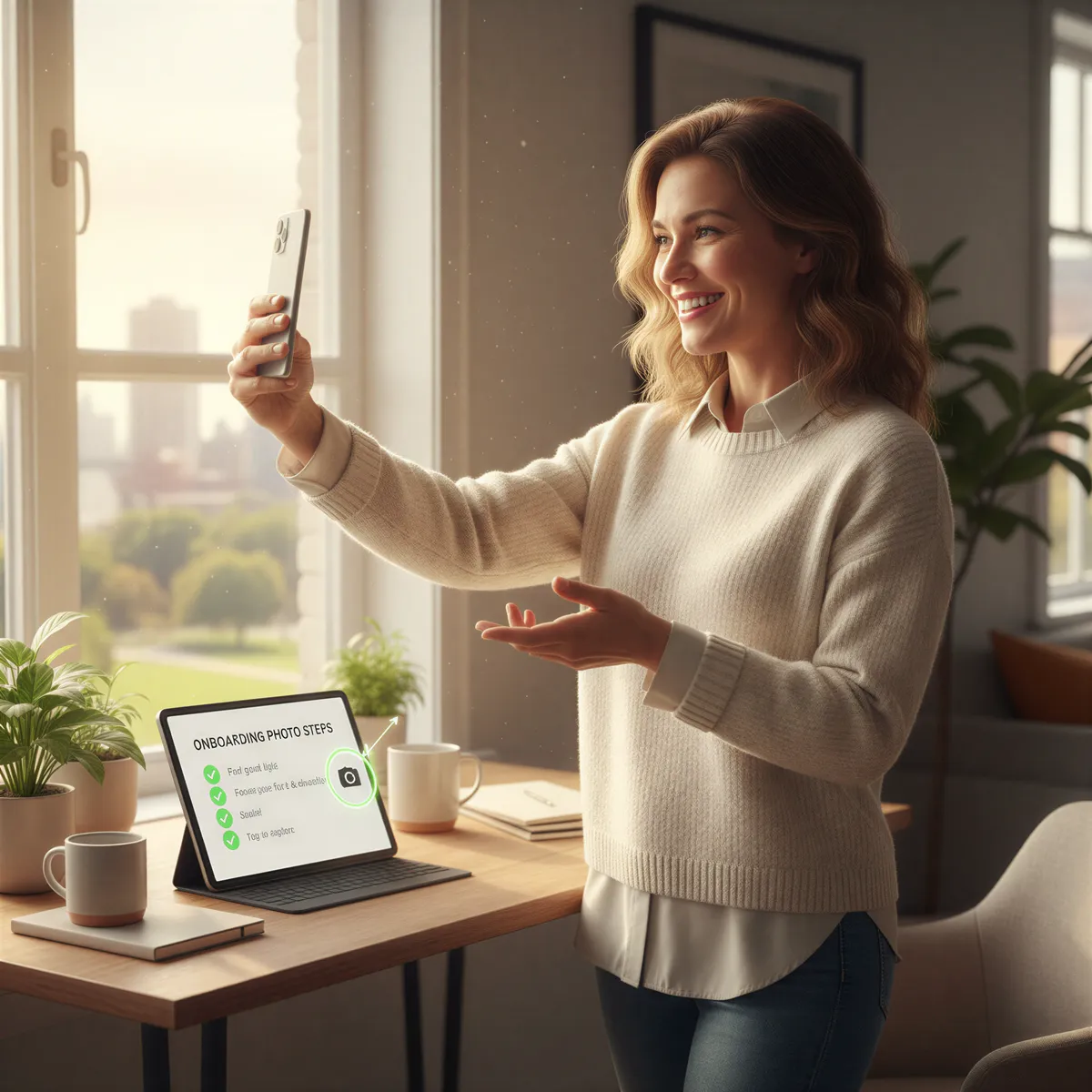
Step 4: Establish Onboarding Process
For new hires:
- Include photo upload in first-week checklist
- Process immediately with existing style
- Add to team page within days, not months
- Update LinkedIn as part of onboarding
Use Cases Beyond the About Page
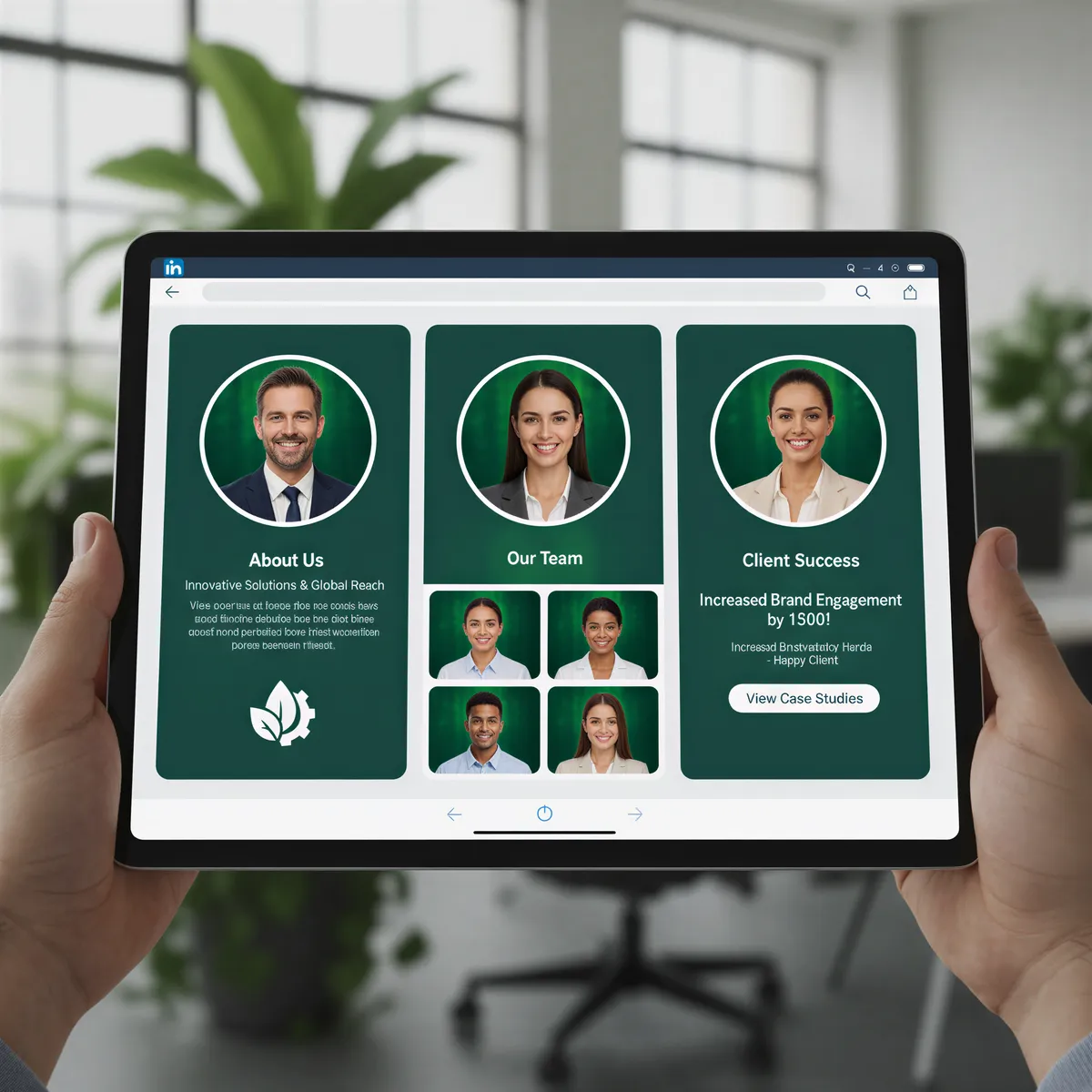
LinkedIn Uniformity
When your whole team has matching professional headshots on LinkedIn, it signals:
- Established company
- Coordinated culture
- Professional standards
Email Signatures
Consistent headshots in email signatures create:
- Brand recognition
- Professional appearance
- Visual cohesion in communications
Conference Materials
Speaker bios, booth displays, and promotional materials all benefit from:
- Print-ready quality
- Consistent styling
- Professional appearance
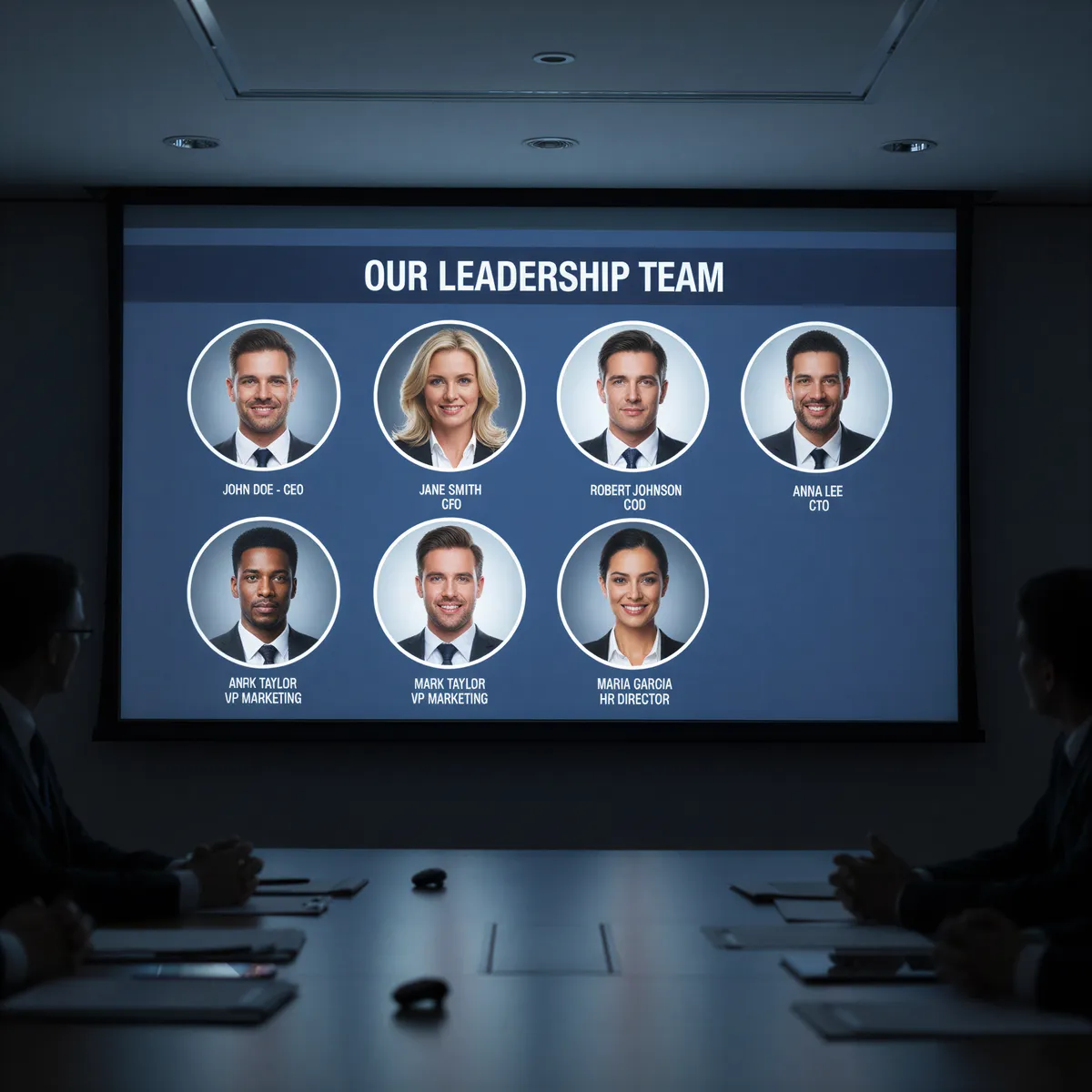
Investor Decks
Team slides in pitch decks look significantly more professional with:
- Matching photo styles
- High-quality images
- Unified presentation
The ROI of Visual Unity
Consider what inconsistent team photos cost:
- Lost credibility in sales conversations
- Weaker positioning with investors
- Reduced applications from top candidates
- Diminished brand across all touchpoints
Now compare to the cost of fixing it with AI: a small investment that permanently elevates your professional image.
Unify Your Remote Team's Image
Stop letting geography dictate your visual brand.
Create the cohesive, professional team presence that matches the quality of your work — regardless of where your people sit.
Try it yourself
Ready to Get Started?
Prompt your AI with a few words of any style, place, or outfit, and get your photos and videos in minutes.