LinkedIn Headshot Strategy: Optimize Your Profile Photo for Results
Your LinkedIn photo is working for you 24/7.
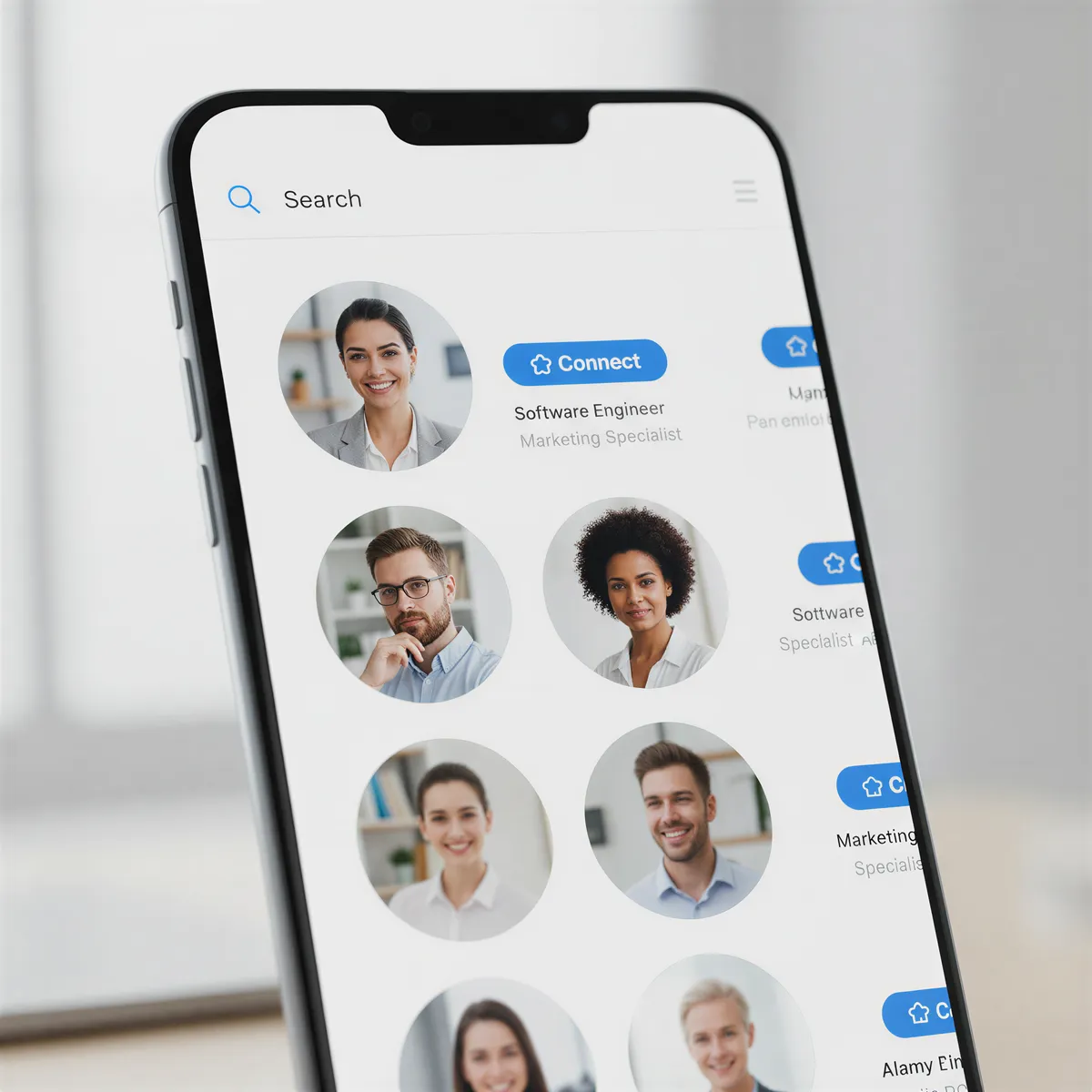
It appears in search results. On connection requests. In messages. On posts and comments. Every interaction starts with people seeing your face.
And yet most professionals treat their headshot as an afterthought — cropped from a group photo, years old, or missing entirely.
This is a strategic mistake.
Table of Contents
- Why LinkedIn Photos Matter More Than You Think
- The Psychology of Professional Photos
- What Makes a LinkedIn Photo Work
- Industry-Specific Strategies
- Common Mistakes to Avoid
- Creating Your Strategic Headshot
- The ROI of a Good Headshot
- Optimizing Your Professional Presence
Why LinkedIn Photos Matter More Than You Think
The Statistics
- Profiles with photos get 21x more views
- Profiles with photos get 36x more messages
- Profiles with photos get 9x more connection requests
A missing photo signals: "I'm not taking this seriously."
The First Filter
Recruiters reviewing candidates often start with search results — a list of faces. Before they read your title or experience, they see your photo.
Your headshot is your first impression at scale.
The Trust Factor
Humans are wired to evaluate faces:
- Competence
- Trustworthiness
- Likeability
- Professionalism
A quality photo triggers positive assumptions. A poor photo (or no photo) triggers skepticism.

The Psychology of Professional Photos
What Viewers Look For
In milliseconds, people assess:
- Do they look competent?
- Would I trust them?
- Are they approachable?
- Do they seem professional?
What Quality Signals
A polished headshot communicates:
- Attention to detail
- Professional investment
- Taking your career seriously
- Respect for others' perception
The Unconscious Response
We don't consciously think "nice headshot = competent professional." But we make decisions as if we do. That's why photo quality correlates with opportunity.
What Makes a LinkedIn Photo Work
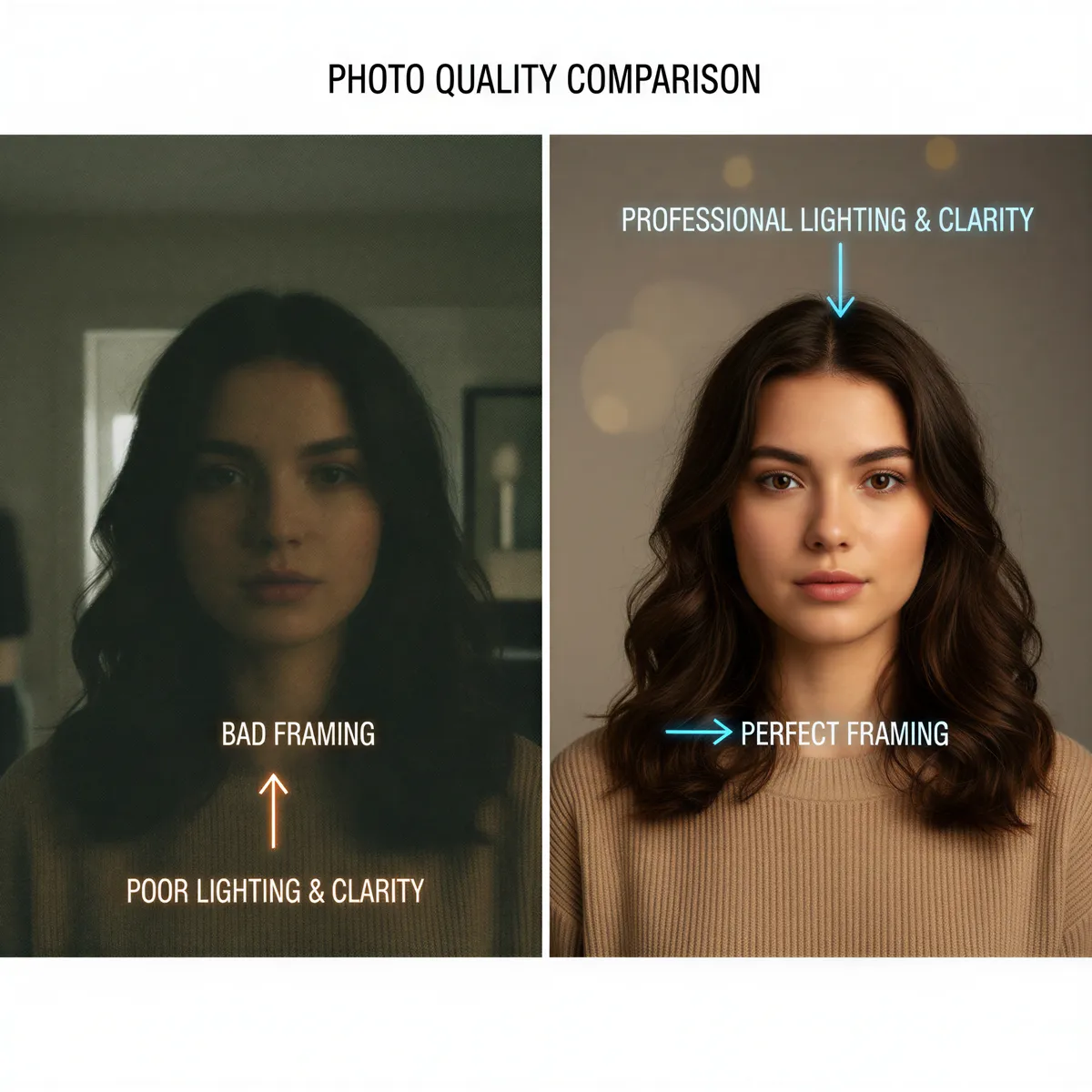
Technical Quality
- High resolution — No pixelation or blur
- Good lighting — Professional or natural, not harsh
- Proper framing — Head and shoulders, face takes up 60% of frame
- Clean background — Solid color or subtle texture
Expression
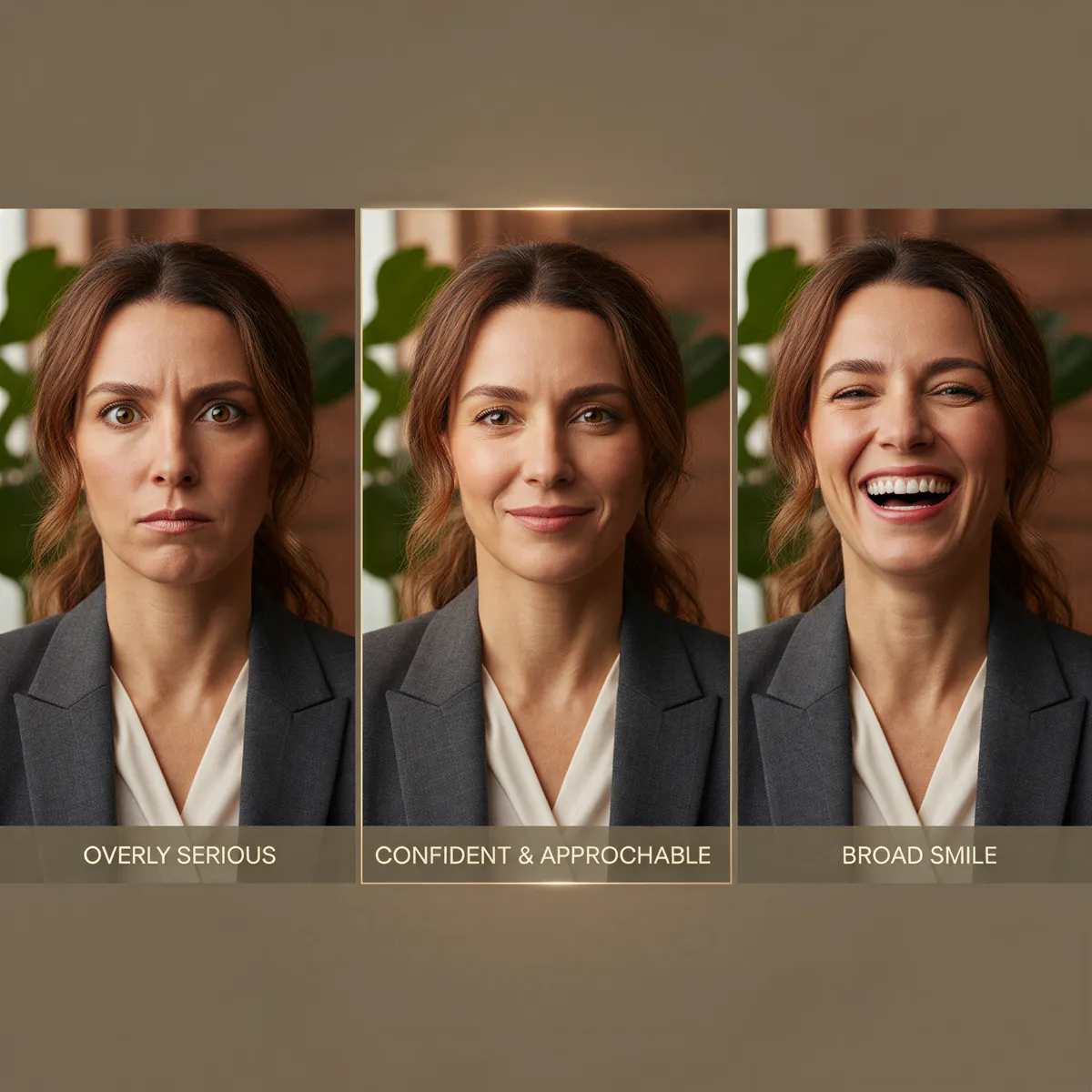
The right expression for LinkedIn:
Watch: The Squinch: Look Confident in Every Photo (Peter Hurley)
- Approachable — Slight smile, warm eyes
- Confident — Direct gaze, good posture
- Professional — Not too casual or stiff
- Authentic — Looks like the real you
Attire
Dress for the role you want:
- One level up from your daily wear
- Industry-appropriate
- Solid colors typically work better than patterns
- Clean, pressed, well-fitting
Background
Background should not distract:
- Solid colors (gray, navy, soft white)
- Subtle outdoor blur
- Office setting with minimal distraction
- Avoid: busy backgrounds, other people, obvious selfie settings

Industry-Specific Strategies
Your industry affects the right approach:
Finance / Legal / Corporate
- More formal attire (suit, tie optional)
- Conservative background
- Professional, serious expression
- Quality signals competence
Tech / Startup
- Smart casual acceptable
- Modern, clean aesthetic
- Approachable expression
- Personality can show through
Creative Industries
- Show personality in styling
- More flexibility in background
- Expression can be more distinctive
- Quality still matters
Healthcare / Education
- Professional but warm
- Approachable, trustworthy
- Clean, credible appearance
- Confidence without intimidation

Common Mistakes to Avoid
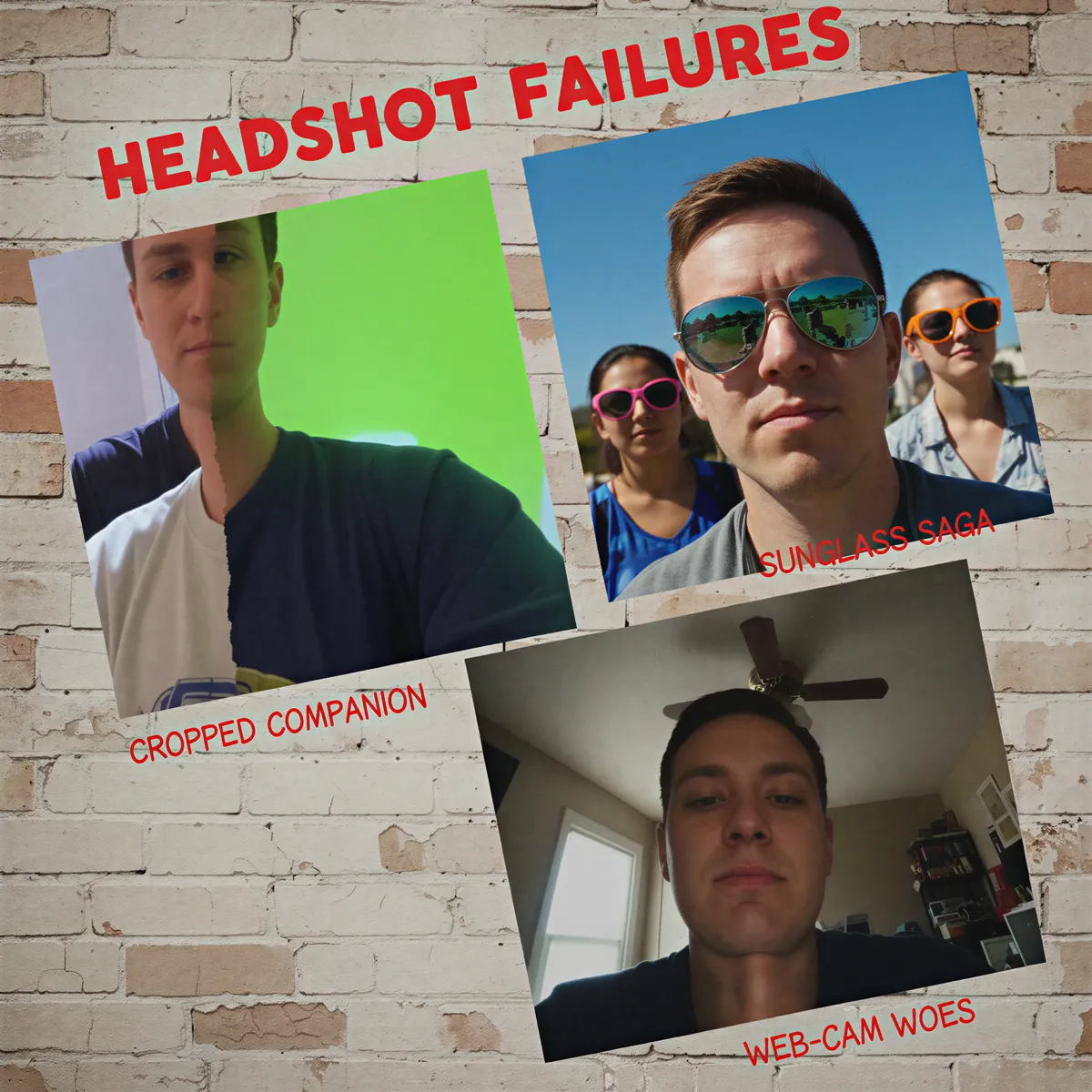
The Group Photo Crop
Cropped from a wedding or event. Obvious. Reads as "didn't care enough to take a real photo."
The Vacation Selfie
Sunglasses. Drink in hand. Beach background. Unprofessional context undermines credibility.
The Decade-Old Photo
If you look significantly different now, you're setting up surprise and distrust at meetings.
The Over-Filtered Image
Instagram filters don't belong on LinkedIn. They undermine authenticity and professionalism.
The Missing Photo
The worst option. Signals disconnection, minimal effort, or something to hide.
The Webcam Grab
Low quality, awkward angle, office background. Better than nothing, but barely.
Creating Your Strategic Headshot
Define Your Goal
What should your headshot communicate?
- Industry expertise
- Approachability for clients
- Executive presence
- Creative thinking
- Trustworthiness
Consider Your Audience
Who's looking at your profile?
- Recruiters in your field
- Potential clients
- Industry peers
- Future employers

Create Variations
Consider multiple headshots for:
- Primary LinkedIn photo
- Speaking engagement bios
- Company about pages
- Industry publications
The ROI of a Good Headshot
Consider the opportunity cost of a poor photo:
- The recruiter who skipped your profile
- The connection who didn't respond
- The opportunity that went to someone else
- The first impression you can't remake
Now compare to the investment of a professional photo. The math is obvious.

Optimizing Your Professional Presence
Your LinkedIn headshot isn't just a photo. It's a strategic asset that works for you constantly.
Treat it that way. Create an image that positions you for the opportunities you want.
Create Your LinkedIn Headshot →
Try it yourself
Ready to Get Started?
Prompt your AI with a few words of any style, place, or outfit, and get your photos and videos in minutes.