Creator Thumbnail Portraits: The Face That Sells the Click
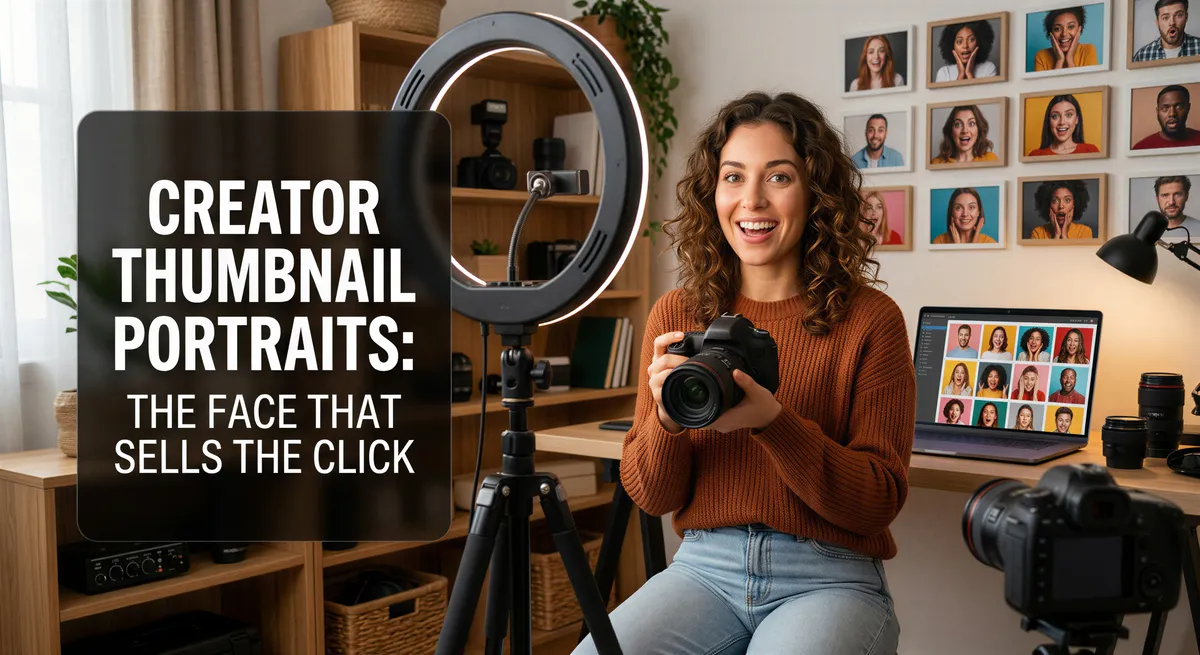
A YouTube thumbnail has about 0.4 seconds to earn the click.
The text matters. The framing matters. But the face is what sells it.
Shocked face. Laughing face. Pointing face. Confused face. The MrBeast formula didn't invent expression-driven thumbnails — it just made the rules obvious.
The problem: getting a clean, well-lit, exaggerated portrait every time you film a video is exhausting.
Table of Contents
- Why Thumbnails Eat Creators
- What AI Portraits Solve
- Thumbnail Expressions Worth Generating
- How to Build a Thumbnail Library
- Practical Tips
- The Workflow Shift
- What Else You Can Use Them For
- The Click Is the First Job
Why Thumbnails Eat Creators
The math on a YouTube channel is brutal. You can spend 40 hours making a great video. If the thumbnail is mid, the video dies in the algorithm.
Same for TikTok cover frames. Same for Instagram Reels covers. The face on the cover is doing more work than the actual content.
But every video doesn't get its own studio shoot. Most creators are filming in their bedroom with a ring light. The thumbnail becomes whatever screenshot looks least bad.

What AI Portraits Solve
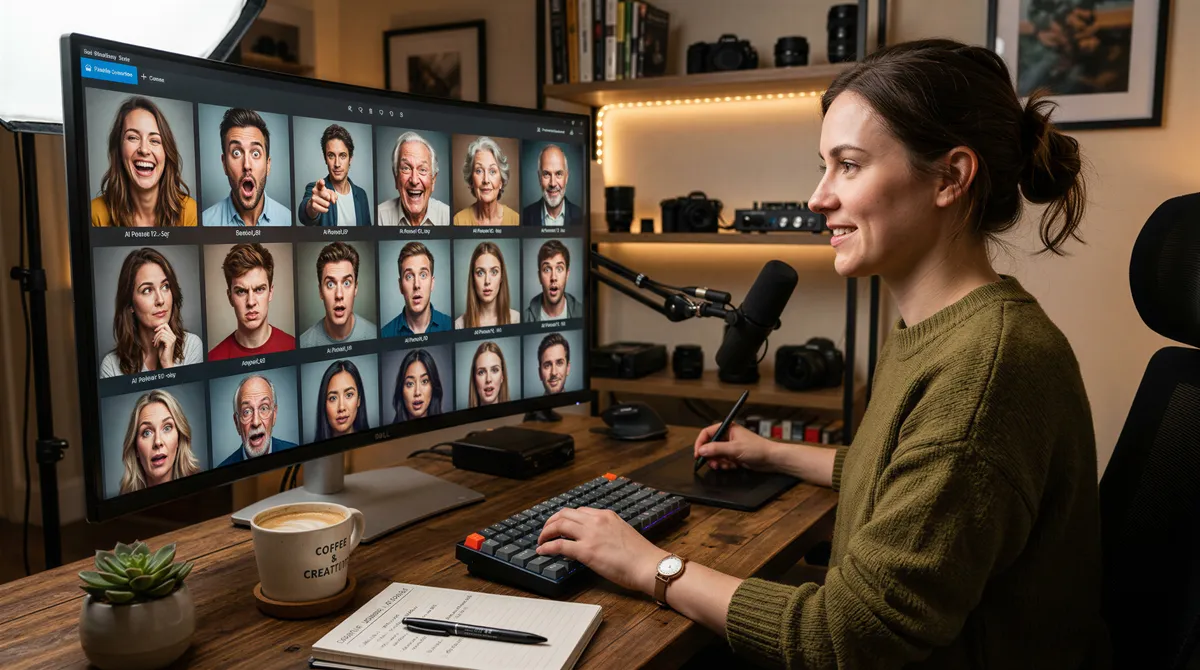
Generate a library of expressive thumbnail-ready portraits in any background, any expression, any aesthetic.
- Shocked
- Laughing hard
- Dramatic squint
- Pointing at something
- Wide-eyed disbelief
- Cool stare
- Mid-explanation
- Holding a prop
All from a few selfies. Reusable across videos. Consistent across channel.
Thumbnail Expressions Worth Generating
The Shocked Open-Mouth
The classic. Wide eyes, dropped jaw, hands sometimes near face. Says "you won't believe this."
Works for reaction content, "I tried X" videos, exposé content.
The Hard Laugh
Genuine, eyes-crinkled, mid-laugh. Less aggressive than the shocked face but still high energy.
Works for entertainment content, comedy, lifestyle vlogs.
The Dramatic Squint
Eyes narrowed, jaw set, intensity. Says "this is serious."
Works for tutorial content, deep dives, "how I solved X" videos.
The Pointing Pose
Looking at the camera, pointing off to the side, eyes following the point. Directs attention.
Works alongside text overlays. The face leads the eye to the words.
The Wide-Eyed Disbelief
Mouth closed, eyes huge, head slightly back. Curiosity-driven.
Works for storytime, weird news, "the truth about X" content.
The Cool Stare
Direct gaze, neutral expression, slight smirk. Confident.
Works for personal brand content, opinion pieces, anything that needs gravitas.
The Mid-Explanation
Hands gesturing, mouth mid-word, looking at camera. Active, energetic.
Works for educational content, breakdowns, podcast clips.
The Prop Holder
Holding the thing the video is about — laptop, book, product, food.
Works for review content, hauls, unboxings.

How to Build a Thumbnail Library
Generate Variations of Each Expression
Don't just make one shocked face. Make ten. Different angles, different lighting, different backdrops.
You'll burn through them fast.
Match Backgrounds to Channel Aesthetic
Pick three or four background styles that match your channel. Plain colors, gradient, lifestyle. Stay consistent so your thumbnails read as a brand.
Save Outfits for Topics
If you do tech videos in a black tee and lifestyle videos in casual layers, generate both.
The viewer's brain shortcuts to "this is the channel I trust" through visual consistency.
Practical Tips
Use High-Quality Selfies
Garbage in, generic out. Use clean, well-lit selfies. The AI works better with clarity.
Be Specific About the Expression
"Shocked open-mouth, eyes wide, slight head tilt back, hands raised" produces better results than "shocked face."
Generate at Thumbnail Aspect Ratios
Most platforms want 16:9. Generate at that ratio so you don't have to crop and lose composition.
Test Before You Commit
Generate, drop into a thumbnail mockup, see if the face actually pops. Iterate fast.
The Workflow Shift
Old workflow:
- Film video
- Set up tripod
- Take 30 thumbnail photos
- Pick the least bad one
- Edit in Photoshop
- Upload
New workflow:
- Film video
- Pick from your generated library
- Drop in, add text, upload
The hours add up. So does the consistency.
What Else You Can Use Them For
Channel Trailer
Pick five or six expressions, cut them together, pair with text overlays. Instant channel intro.
Carousel Posts
For Instagram or TikTok carousel content, the same expressive portraits work as cover frames.
Podcast Cover Art
Hosts who want different vibes for different episodes can pull from the same library.
Personal Brand Photos
Beyond thumbnails, the same portraits work for press, sponsorships, media kits.
The Click Is the First Job
Your video can be brilliant. If no one clicks, no one knows.
A thumbnail library means every video gets a face that matches the energy. Less time wasted on tripod setups. More time making the actual content.
Build the library once. Use it forever.
Try it yourself
Ready to Get Started?
Prompt your AI with a few words of any style, place, or outfit, and get your photos and videos in minutes.