Cosplay Character Portraits with AI: From Idea to Hero Shot
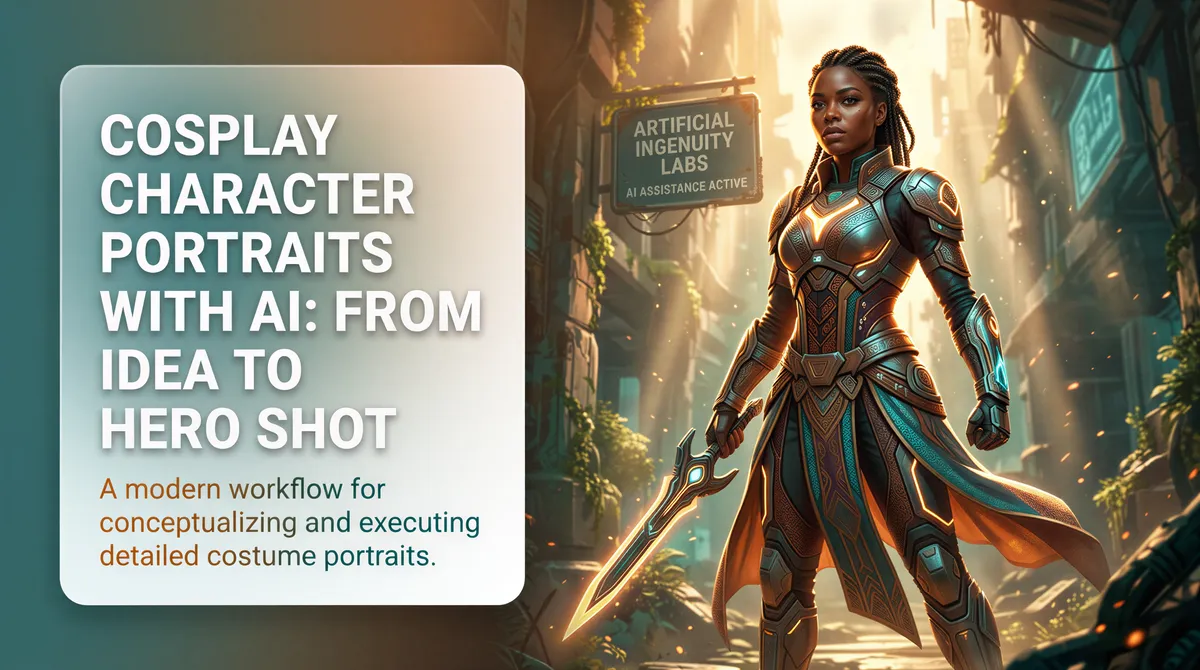
Cosplay photo evidence is its own challenge.
You spent four months building the costume. The wig is perfect. The armor pieces line up. The makeup nails the character.
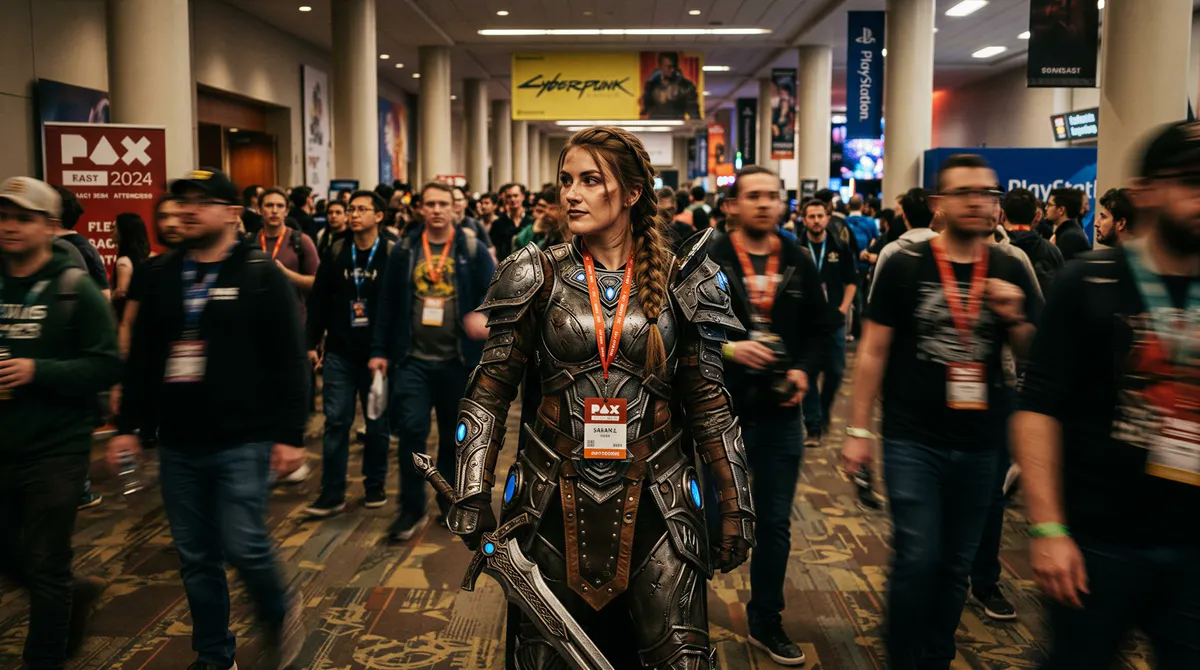
You wear it to the convention. The photo evidence is half-blurry hallway shots with someone's badge in frame. The pro photographer who took your portrait charges $200 for digital files. The one good shot lives on their Instagram and not in your portfolio.
The build deserves better documentation.
Table of Contents
- Why Cosplay Photography Is Hard
- What AI Portraits Solve
- Use Cases for Cosplay AI Portraits
- Character Portrait Ideas Worth Generating
- How to Get Character-Accurate Portraits
- Tips for Better Output
- What to Do With the Portraits
- A Better Way to Document the Craft
Why Cosplay Photography Is Hard
The build is the easy part. The photos are the bottleneck.
- Convention floors have terrible lighting
- Outdoor shoots require coordinating photographer availability
- Studio rentals add hundreds to the project cost
- Even when you nail the shoot, you get five to ten final files
- The character-accurate setting (alien planet, fantasy castle, post-apocalypse city) is impossible to actually visit
You spend the budget on the costume and have nothing left for the documentation.
What AI Portraits Solve
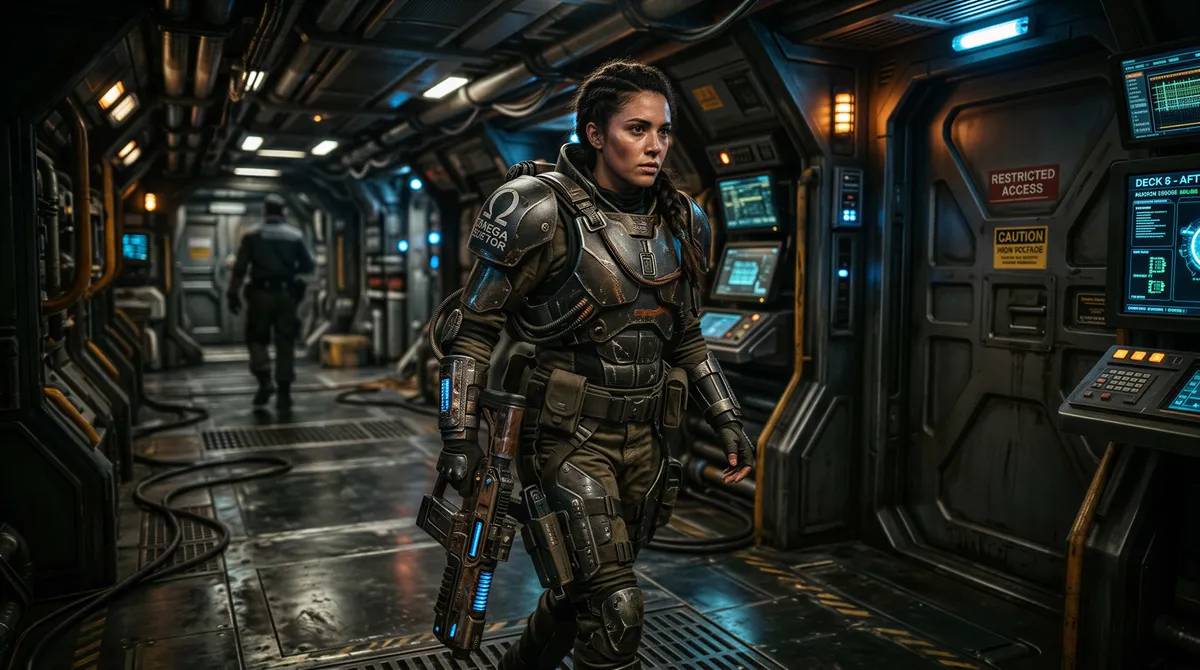
Generate character portraits in the actual environment the character belongs in. From selfies of you in costume.
- Sci-fi spaceship corridor
- Fantasy forest with dramatic light
- Post-apocalyptic ruins
- Anime-styled neon city
- Medieval castle interior
- Underwater scene
- Magical academy
- Battle aftermath
The setting matches the character. The portrait reads like an in-universe shot, not a hotel ballroom near the con.
Use Cases for Cosplay AI Portraits
Pre-Build Visualization
Before you commit to the costume build, generate yourself in the proposed cosplay. See what works.
- Test the silhouette
- Validate the color palette
- Decide if it's worth the months of construction
- Get reference for the build itself
The portrait becomes the project brief.
Post-Build Hero Shots
After the costume is done, generate hero portraits in the appropriate environments.
- The dramatic landscape shot
- The character-coded action pose
- The editorial hero portrait
- The in-universe candid
Replaces the convention hallway photo with documentation worthy of the build.
Costume-Without-Build
Generate the cosplay portrait without ever building the costume. For characters you love but don't have time or budget to construct.
The "I would cosplay this if I could" portrait. Now you can.
Cross-Universe Portraits
You as the character in a different setting than canon. You as the character with another character. The "what if" portrait that fan art exists for.
Genderbent / Aged-Up / Style-Swapped
Reimagined versions of characters. Different aesthetic, same recognition.
The portrait that explores the character beyond the standard look.
Character Portrait Ideas Worth Generating
The Hero Pose Portrait
Character standing tall, dramatic light from below, environmental detail, action-ready stance.
The cover-art shot.
The Quiet Moment
Character in repose, soft natural light, contemplative expression. Captures personality, not just costume.
The Battle Aftermath
Disheveled, smudged, exhausted. Mid-battle or just after. Cinematic energy.
For characters whose story is action-coded.
The In-Universe Candid
Character doing something mundane in their world. Drinking tea in the academy hall. Walking through the marketplace. Looking at a star map.
The portrait that suggests a story.
The Power Display
Character mid-ability. Glowing eyes, magic effects, tension in the body. Action shot in stillness.
The Group Shot
You and other characters from the same universe. Coordinated. Looks like the official promo art.
For characters who travel in teams.
How to Get Character-Accurate Portraits
Source Photos in Costume
If you have the costume already, upload selfies in it. The AI captures both your face and the costume details.
If you don't have the costume yet, upload your selfies and describe the character extensively.
Be Specific About Character Details
"Female warrior, dark leather armor with silver inlays, long red hair, glowing green eyes, twin curved swords at hips, scar across left cheekbone" produces better output than "fantasy warrior."
The more specific, the more recognizable.
Specify the Universe Style
"Anime-styled illustration," "Marvel cinematic realism," "Studio Ghibli soft watercolor," "dark fantasy oil painting." The aesthetic anchor matters as much as the character.
Match the Lighting to the Mood
Heroic = bright dramatic. Villain = harsh shadows. Mysterious = backlit. The lighting builds character before the pose does.
Tips for Better Output
Iterate, Don't Settle
The first generation is rarely the hero. Generate variations, refine the prompt, compare outputs. The good version is usually the third or fourth.
Combine Costume Reality With Setting Fantasy
If your real costume is photographed in a hotel hallway, the AI can add the setting. Use real costume photos as input, generate with the appropriate environment.
Respect Source Material
The fans will notice details you got wrong. Reference the source. Match the canon.
Save Multiple Aesthetics
Generate the same character in editorial, dramatic, candid, and action versions. Different audiences want different reads.
What to Do With the Portraits
Build Your Cosplay Portfolio
For cosplayers who post regularly, the AI portraits expand the portfolio without expanding the convention budget.
Print for Tabling
If you sell at conventions or table at events, printed portraits make better displays than convention selfies.
Submit to Cosplay Contests
Some contests accept photo entries. The AI portrait competes with anyone's professional photo without the photographer cost.
Share With the Fandom
The fandom communities for the character will engage. The right portrait in the right place can build your cosplay reputation.
Personal Memory
Even if you never share, the portrait is a record of the build. The version of the costume in its proper setting.
A Better Way to Document the Craft
The cosplay community puts months into builds. The photo evidence shouldn't be the weakest part of the project.
AI portraits give the costume the documentation the craft deserves. Character-accurate settings. Editorial quality. As many hero shots as you want.
Build it once. Photograph it forever.
Try it yourself
Ready to Get Started?
Prompt your AI with a few words of any style, place, or outfit, and get your photos and videos in minutes.