Autumn Family Portraits: Coordinated Fits Without the Closet War
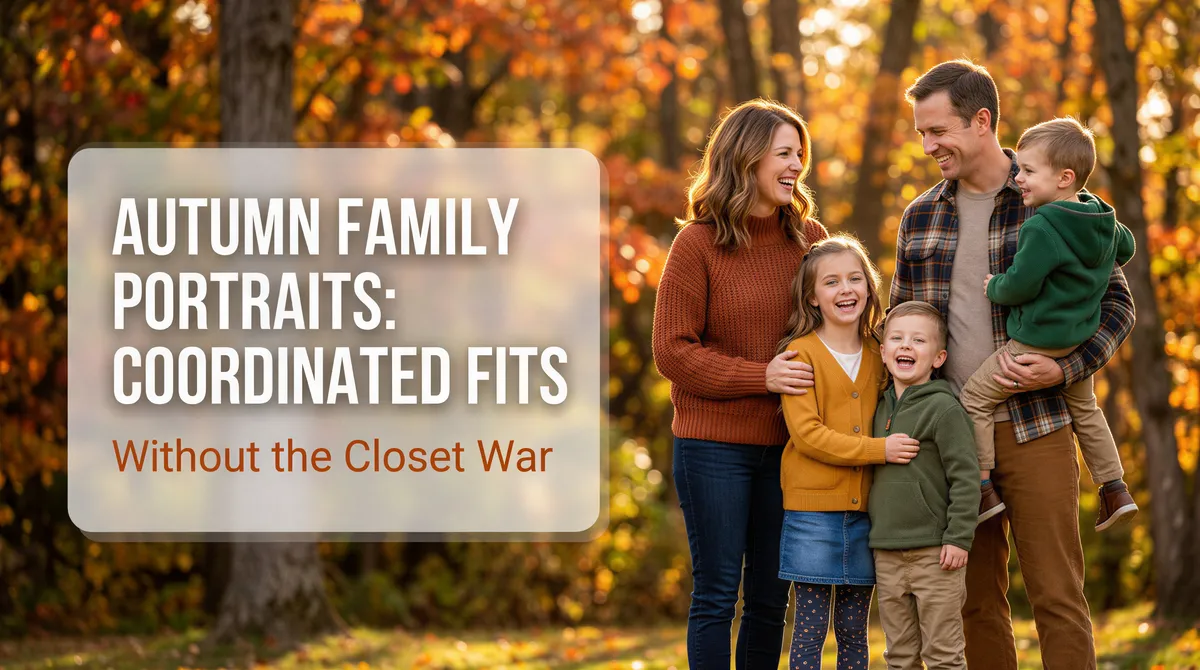
Family photo coordination has wrecked more weekends than school drop-offs.
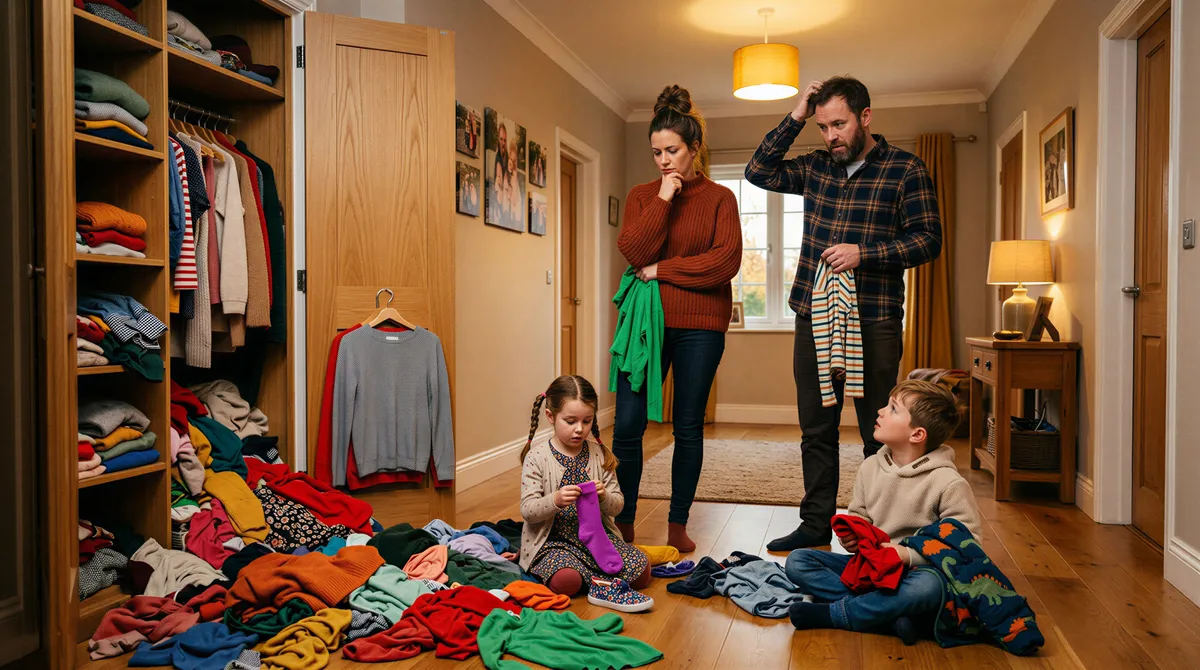
You pick a color palette. The kids hate it. Your partner buys a sweater that's the wrong shade of cream. The teenager refuses to wear "matchy" anything. You spend $200 on outfits that look one way at home and entirely different in the photo.
The annual battle. Ends in tears or shouting or both.
There's a way to skip the dress rehearsal.
Table of Contents
- Why Family Photo Outfits Always Go Wrong
- What AI Portraits Solve
- Outfit Strategies Worth Testing
- How to Use AI Portraits to Plan Outfits
- Practical Tips
- The Workflow Shift
- What to Do With the Portraits
- A Calmer Family Photo Season
Why Family Photo Outfits Always Go Wrong
The disconnect is between how clothes look in the closet and how they read in a photo:
- Colors that look coordinated in person clash on camera
- Fabrics catch light differently than expected
- Pattern combinations that "work" turn busy
- The kid's shirt is one shade off and ruins the cohesion
You don't see the mistake until the photographer delivers the file. By then, $400 is gone and the outfit is back in the closet for one wear.
What AI Portraits Solve
Test the outfit combination as a generated portrait before you commit to buying.
- See how the colors actually read together
- Check whether the patterns clash
- Test multiple combinations side by side
- Validate against the actual planned backdrop
Decide what to buy after you see what works. Not before.

Outfit Strategies Worth Testing
The Earth Tone Palette
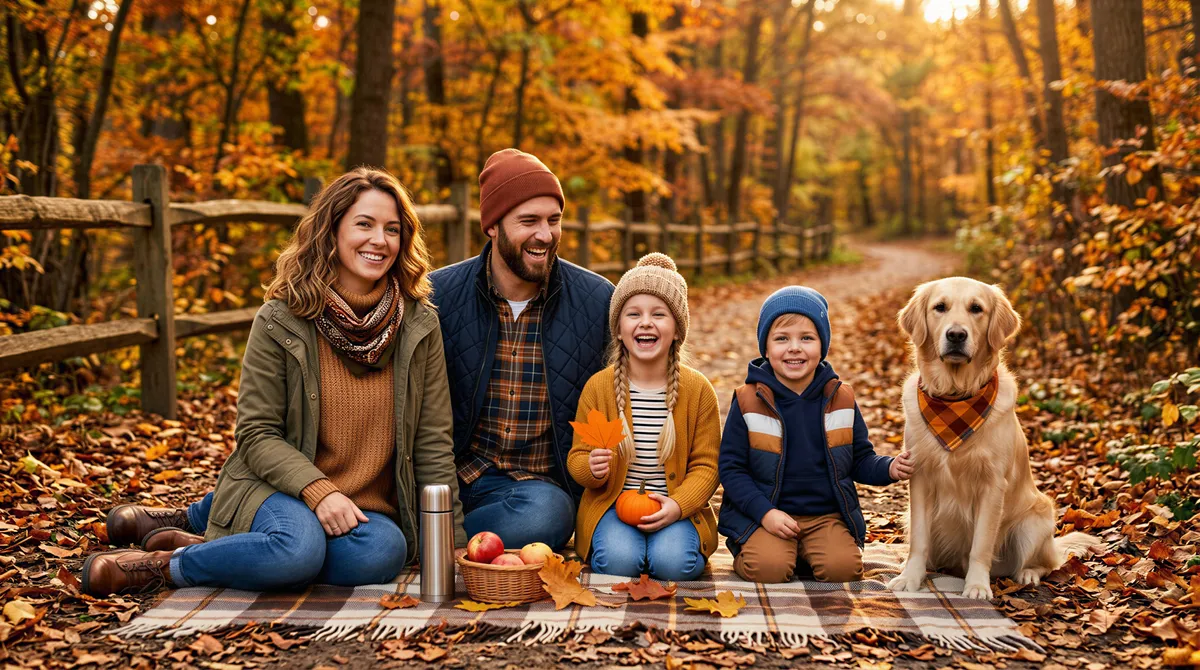
Olive, rust, mustard, cream, brown. The classic fall palette that photographs well in any natural setting.
Generate the family in this palette against an outdoor foliage backdrop. See how it reads.
The Neutral Plus One
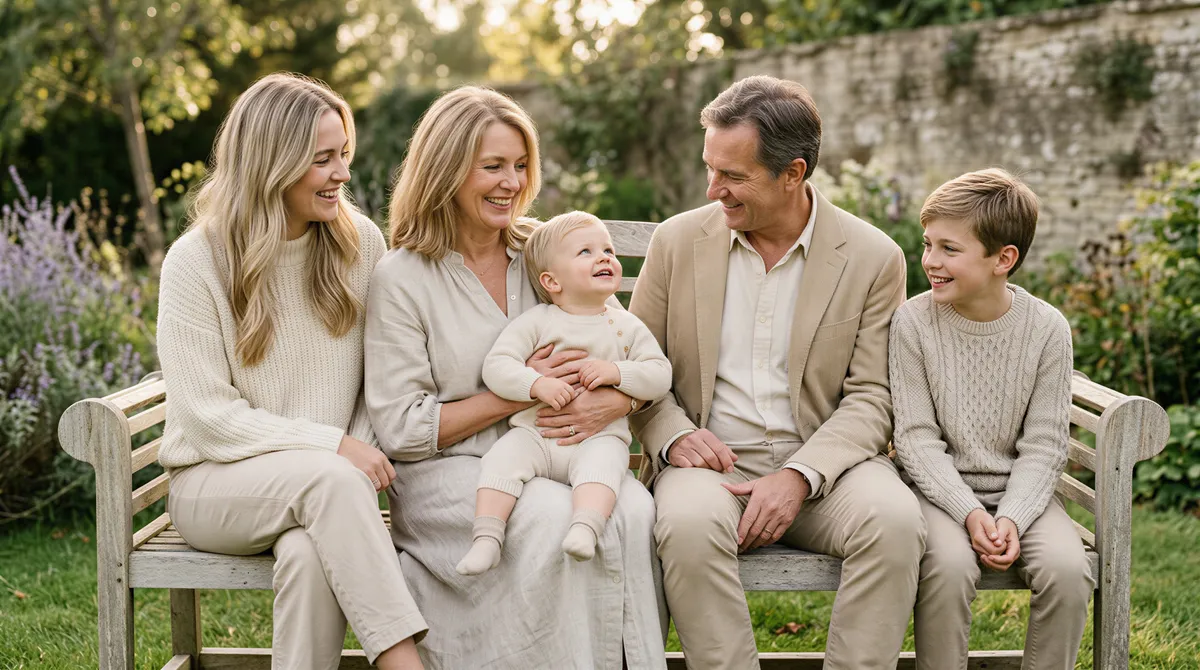
Everyone in cream and tan, with one person in a deep accent color (burgundy, forest green, navy). Adds depth without chaos.
The trick is which person gets the accent. Usually the person closest to camera or in the center.
The Texture Mix
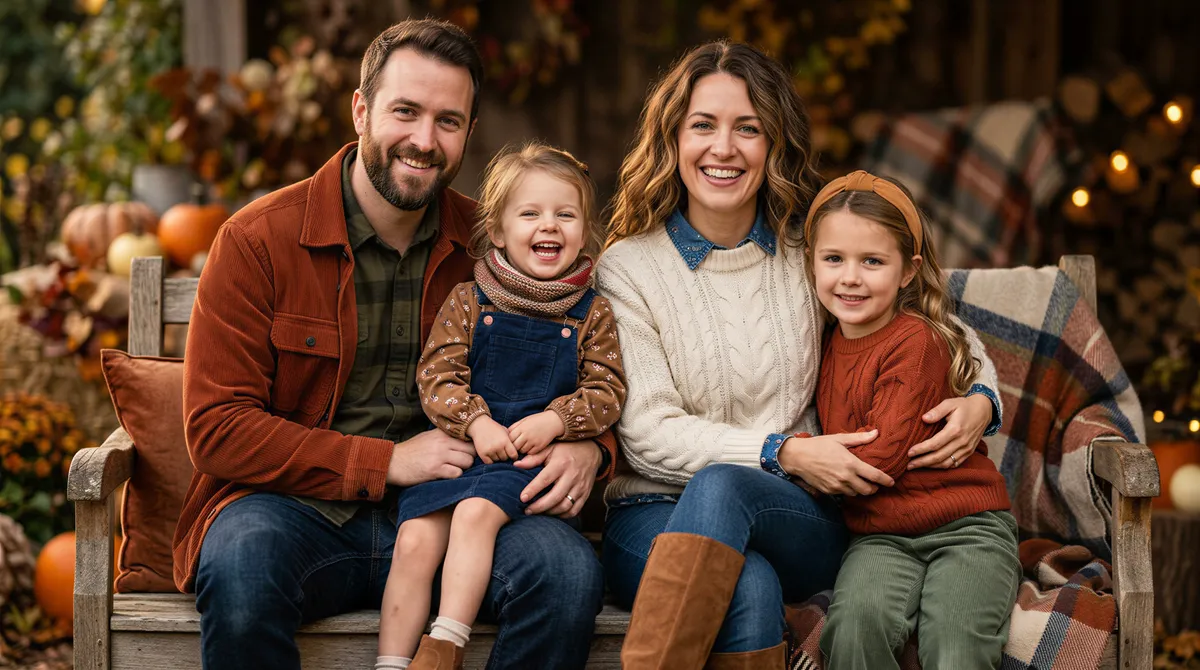
Same color family, different textures. Cable-knit, corduroy, suede, denim. Reads layered without looking matchy.
Hardest to get right by guessing. Easiest to test in advance with AI.
The Plaid Anchor
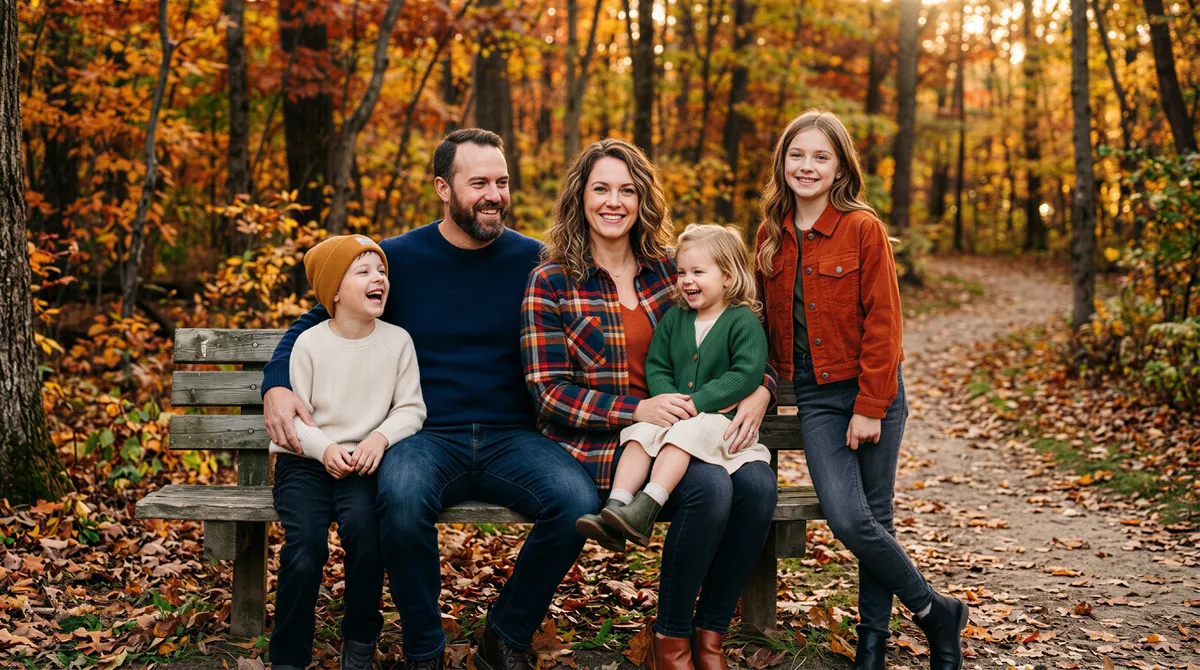
One person in a strong plaid (shirt or skirt), everyone else in solid neutrals that pull from the plaid colors.
Visual cohesion without the costume effect.
The Monochrome Set
Everyone in shades of one color — all denim, all cream, all olive. Editorial energy.
Risky in person, photographs beautifully when it works.
The Layered Casual
Sweaters, jackets, scarves. Less coordinated, more "we just spent the day together." Reads warm and authentic.
For families that hate the "we matched on purpose" look.
How to Use AI Portraits to Plan Outfits
Start With the Setting
Generate the family in the actual backdrop you'll use — backyard, foliage walk, pumpkin patch, indoor cozy room. The backdrop changes which colors work.
Test the Color Palette First
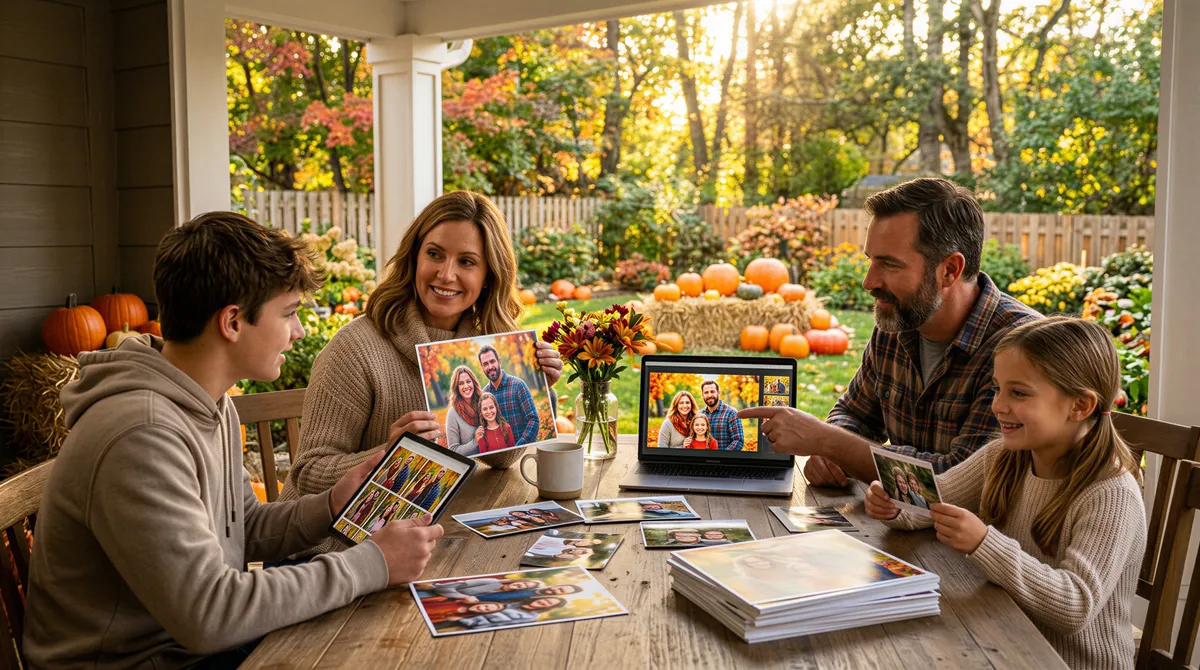
Before specific outfits, just test the palette. Earth tones vs. neutrals vs. monochrome. Which family looks best in each? Pick the direction.
Then Test Specific Pieces
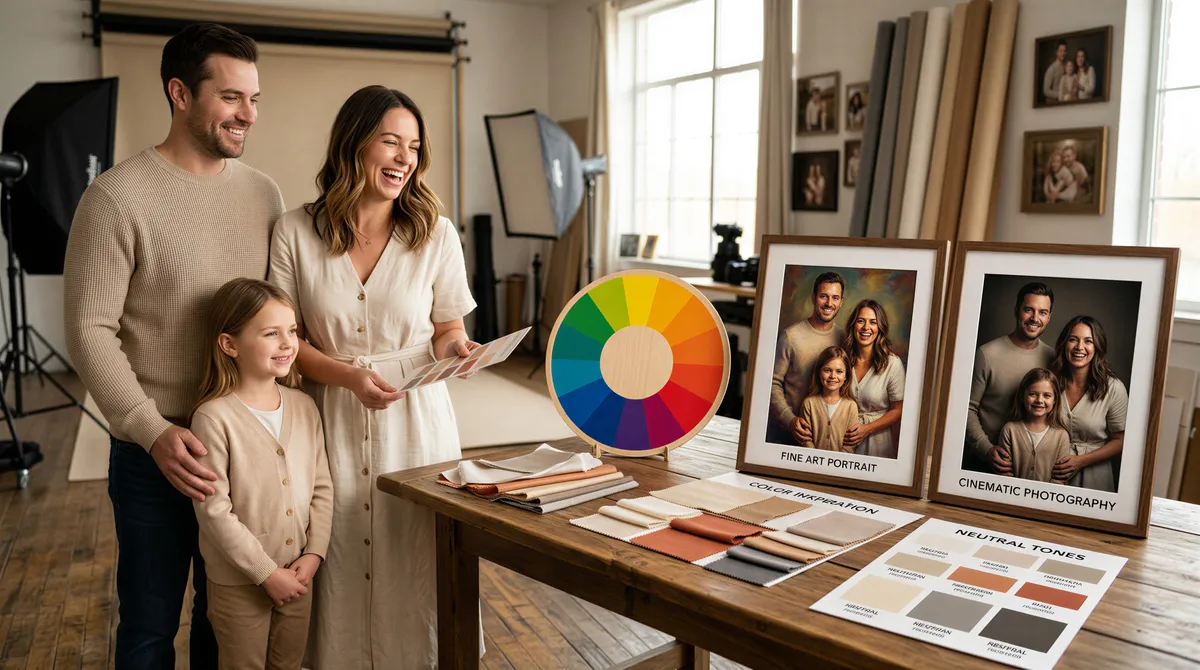
Now generate with proposed outfits. The kid's chunky knit, dad's flannel, mom's wrap dress. See how they read together.
Compare Side by Side
Generate three variations of the planned outfit set. Pick the one that reads most cohesive.
Start With the Setting
Generate the family in the actual backdrop you'll use — backyard, foliage walk, pumpkin patch, indoor cozy room. The backdrop changes which colors work.
Test the Color Palette First
Before specific outfits, just test the palette. Earth tones vs. neutrals vs. monochrome. Which family looks best in each? Pick the direction.
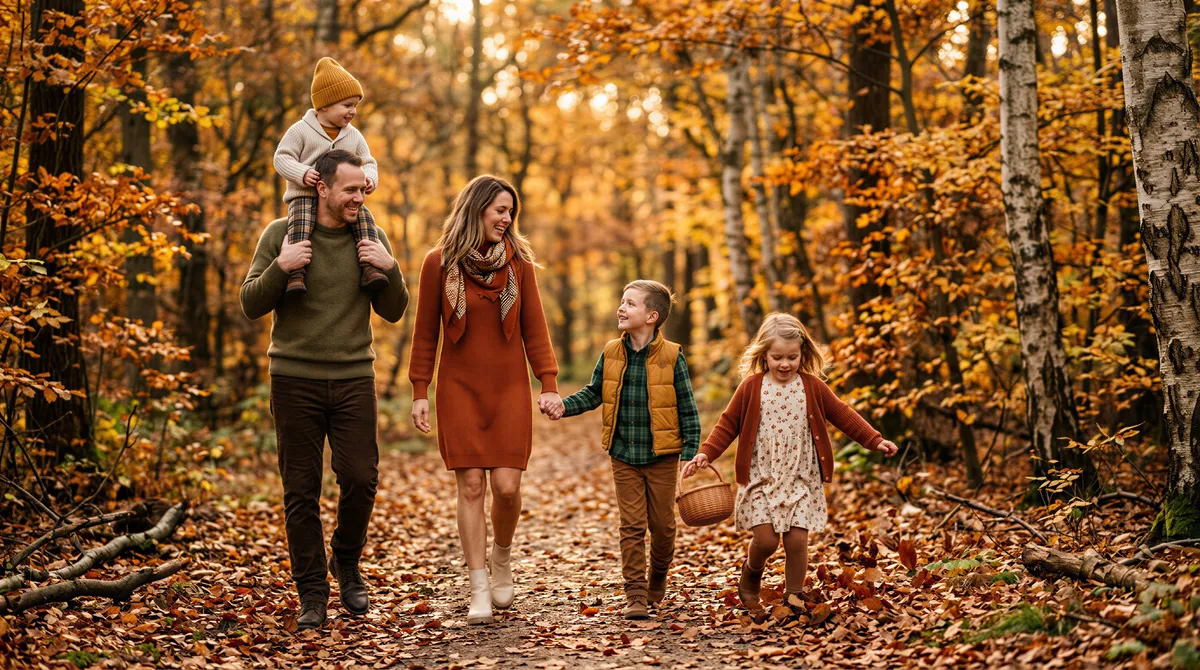
Then Test Specific Pieces
Now generate with proposed outfits. The kid's chunky knit, dad's flannel, mom's wrap dress. See how they read together.
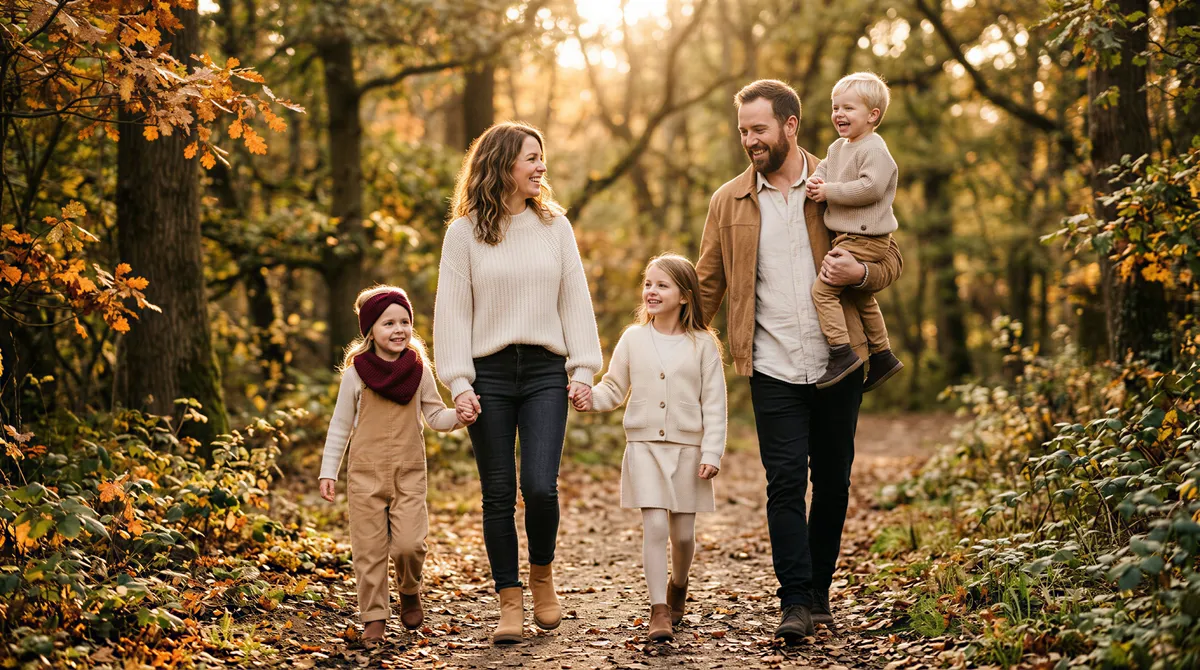
Compare Side by Side
Generate three variations of the planned outfit set. Pick the one that reads most cohesive.
Start With the Setting
Generate the family in the actual backdrop you'll use — backyard, foliage walk, pumpkin patch, indoor cozy room. The backdrop changes which colors work.
Test the Color Palette First
Before specific outfits, just test the palette. Earth tones vs. neutrals vs. monochrome. Which family looks best in each? Pick the direction.
Practical Tips
Use Recent Family Selfies
Recent photos help the AI capture how everyone actually looks now, especially kids who change fast.
Specify the Aesthetic Clearly
"Coordinated family portrait, cream and rust earth tones, outdoor foliage backdrop, golden hour light, casual but styled" gets better results than "family fall photo."
Account for Actual Body Types
If the AI generates a version that doesn't match your family's actual proportions, regenerate. The portrait should be aspirational but recognizable.
Plan for the Reluctant Wearer
The teen who refuses to wear what you pick is real. Generate options that include their preferred styling. Compromise on what works for everyone.
The Workflow Shift
Old workflow:
- Decide on a palette
- Buy outfits across multiple stores
- Wait for arrivals
- Try on at home
- Hate at least one
- Return, reorder
- Show up at the photo session
- Discover the colors don't read right
- Receive the photos two weeks later
- Wish you'd done it differently
New workflow:
- Generate the planned palette as portraits
- Adjust based on what works
- Buy only what you need
- Show up confident
Saves the closet returns and the photo regret.
What to Do With the Portraits
Use as the Buying Reference
Take the winning AI portrait to the store (or screenshot it). Match against actual products.
Send to the Family for Buy-In
Family group chat with the proposed look. Get votes before anyone shops.
Use as the Final Photo
Some families skip the photographer entirely after seeing the AI portrait. The output is good enough to print and frame.
Annual Reference Library
Save what worked this year. Repeat the formula next year. Family photo coordination becomes a solved problem.
A Calmer Family Photo Season
The annual family portrait shouldn't take three weekends and $400 in returns to plan.
A few generated portraits before you buy turns "guess and hope" into "decide and execute."
Save the energy for the actual photo day.
Try it yourself
Ready to Get Started?
Prompt your AI with a few words of any style, place, or outfit, and get your photos and videos in minutes.